Extra hands for your firm, without another vacancy.
boeq is the AI infrastructure for accounting firms that want to keep up: the layer that virtual colleagues work on. On that layer you hire colleagues who each do their own part of the work.
Leo and Pieter are available · Sara coming soon · Exact Online only
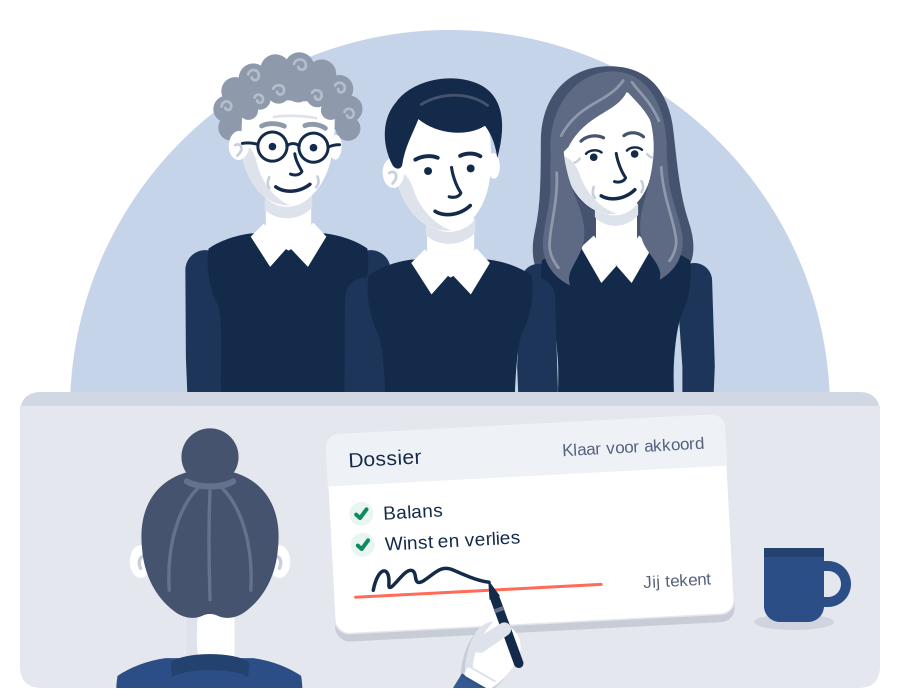
The team
Who joins your firm.
Each colleague has their own specialism and their own record, where you can see what they did and how often you agreed with them.
-
Leo
AvailableJunior bookkeeper
Books your invoices and reconciles the bank, every day.
Handles
- Booking invoices and receipts
- Reconciling the bank
- Asking clients questions in your portal
Meet LeoYou decide
What he may book on his own, per type of work.
-
Pieter
Available NewSpecialist
Picks up the jobs that keep getting pushed back at the office.
Handles
- Checking RGS codes, with a proposal per account
- Checking box 3b of the VAT return against your ICP returns
Meet PieterYou decide
On every code he proposes.
-
Sara
Coming soonSenior bookkeeper
Prepares your monthly, quarterly and year-end closing.
Handles
- A checklist across the whole general ledger
- Preparing client questions and correcting entries
Meet SaraYou decide
Your verdict on each check, and whether the period closes.



Working together
How they work together.
The work passes from hand to hand, as it does at the office. Leo works every day, Pieter when there's a job to do, and Sara, who is coming soon, after each period. You approve and close.
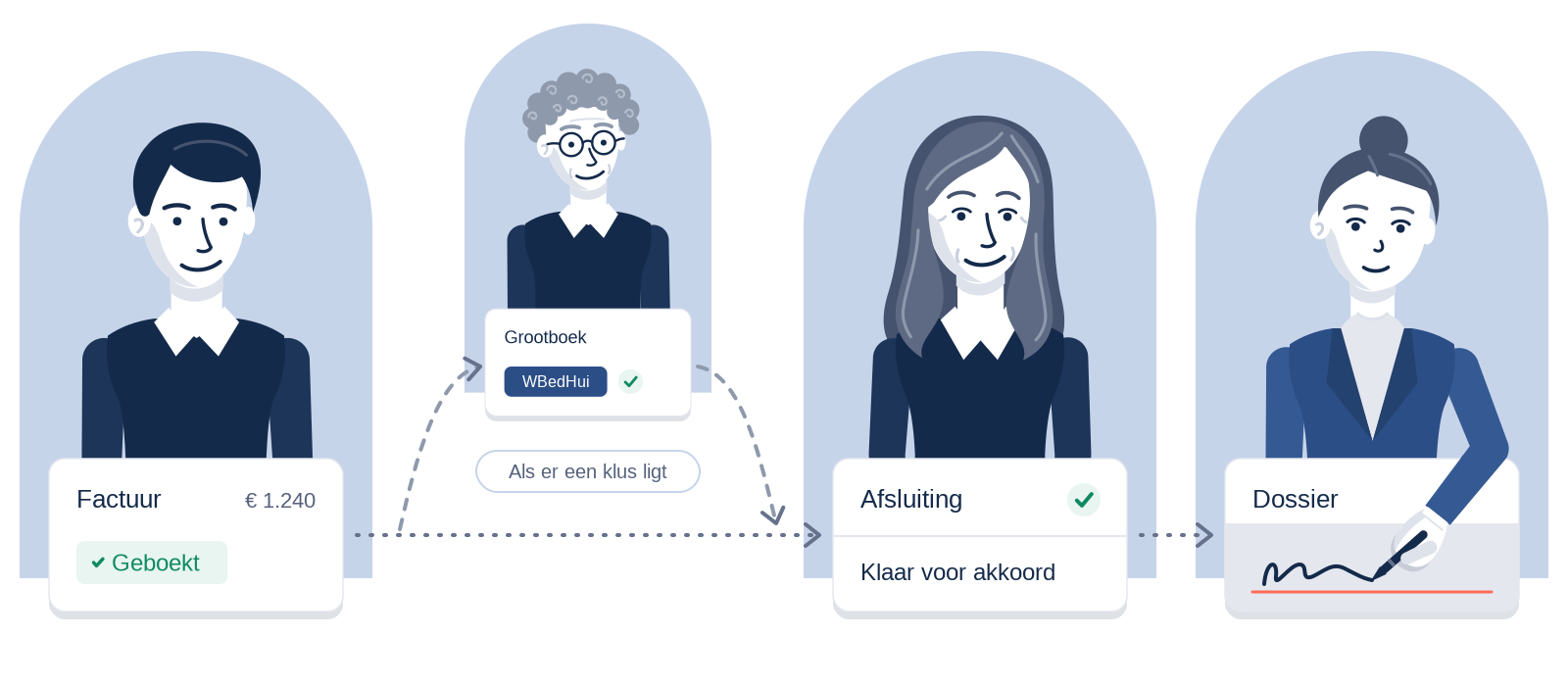
The work moves from left to right: Leo books the daily work, Sara prepares the closing and someone from the firm signs. Pieter stands to one side, at a job with RGS codes.
-
01
Leo books
Invoices and bank lines come in every day. Leo books them in Exact Online and asks your client for whatever is missing.
-
02
Pieter, when there's a job
For a new client or an old chart of accounts, Pieter checks the RGS codes (RGS is the Dutch reference chart of accounts) and proposes a code for each account. He also looks for revenue in box 3b without an ICP return (EC Sales List). Leo then uses those codes in his booking proposals.
-
03
Sara prepares
Coming soon
When the period ends, Sara works through her checklist across the whole general ledger, whoever made the bookings. She prepares client questions and correcting entries for you, with her advice.
-
04
You sign off
You approve and close the period, with your name in the file. You file the tax return yourself.
Hire, don't buy
You hire a colleague. You don't buy software.
A boeq colleague starts like a new hire: first watching how your firm works, then making proposals. You decide what they may do on their own.
-
01
Hire
You start with Leo, for the daily bookkeeping. You bring in Pieter when there's a job to do. No setup fee, you can cancel any month, and we do the setup together with you.
-
02
Onboarding
Leo first reads your bookings and only makes proposals for the first two to four weeks. On every job, Pieter and Sara look at what your firm chose before, as soon as there is something to read.
-
03
Propose
They propose, you decide. Each proposal shows you why: the history, the source or the evidence.
-
04
Permissions and promotion
Only Leo can get permission to book on his own, per type of work, and it is off by default. You give him more room based on the figures in Leo's record. Never automatically, and you can always take it back. If your client has a portal, Leo posts requests for a receipt or an explanation there himself. Pieter has no permissions. Sara has one, also off by default: sending requests for a missing document to your client herself.
Where to start
Who do you bring in, and when?
Start with the work that's piling up right now.

-
A new client arrives with a messy general ledger
Bring in Pieter. He checks the RGS codes of every account, proposes a code for each one and checks box 3b against your ICP returns. You approve every change.
-
Your senior is tied up in the closing every quarter
Ask about Sara in your demo. She works through the checks from her list of 59 that apply to the client, and prepares client questions and correcting entries, so your team reviews instead of doing the legwork. Sara is coming soon.


Limits
New colleagues, one signature. Yours.
What Leo, Pieter and Sara never do, even if you switch it on. These aren't settings: it's how the product is built.
Never
File a tax return
None of them sends a return to the Dutch Tax Administration. Sara builds up the VAT from the general ledger, your firm files it.
Never
Close a period for good
Sara prepares the closing. A person at your firm approves and closes it, in Exact Online too.
Never
Give your client advice
If your client asks for advice in the portal, the assistant refers them to your firm. The client portal shows your firm's name, not the names of your virtual colleagues.
And if something goes wrong?
You can trace every booking Leo makes back to its source. Every code Pieter changes is logged under his name in the change history, and every closing Sara prepared has a file that shows who prepared it and who reviewed it.
Further reading
Read how Leo settles in and which permissions he gets on Leo's page. Pieter's page covers what Pieter checks, and Sara's page how Sara prepares a closing. If you're choosing between Leo and a new hire, read Leo or a junior?. The knowledge base explains step by step how to work with them.
Demo
Want to see what your new colleagues would do in your portfolio?
In thirty minutes we let Leo process a real client administration and talk through which jobs Pieter could pick up at your firm. Nour also shows you how Sara works. No recorded video, just your own work.
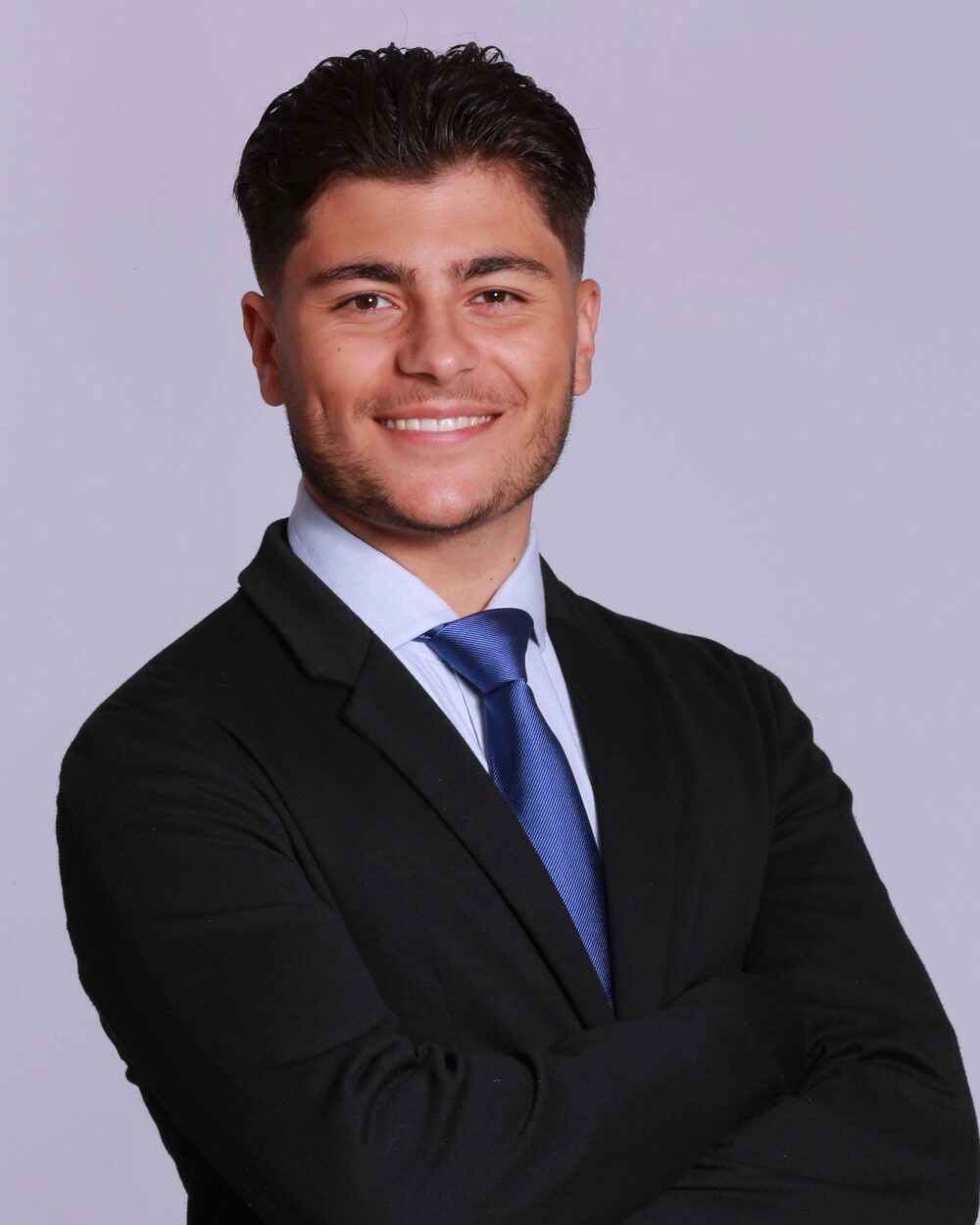
You'll speak to Nour
Co-founder, partner at DKB Finance
Cancel any month · Free onboarding and check-ins · In the demo, Leo books your own invoices