Preparing closingsSenior bookkeeper · preparing closings Coming soon
Sara prepares the closing. You approve.
Sara prepares your monthly, quarterly and year-end closing on a copy of the whole general ledger from Exact Online, with client questions and correcting entries. So the legwork is done by the time your team starts reviewing.
Duties
- Preparing monthly, quarterly and year-end closings
- A checklist of 59 checks, with what applies to each client
- Building up the VAT return per box from the general ledger and reconciling it
- Drawing up client questions and a single document list, in your firm's name
- Proposing correcting entries for you to approve
- Flagging supplementary VAT returns, with the route and the deadline

Sara is coming soon. We'll discuss her price once she's available. In the demo Nour can already show you how Sara works.
What her work looks like
Your team reviews. The legwork is already done.
When the period ends, Sara fetches the data and works on a fixed copy of the general ledger. She works through the checks that apply to the client and the period, and for each result she notes what she expected, what she found and how big the difference is.
The product calculates every result itself. Sara explains, points to the evidence and adds her advice, as an assessment or as a doubt. Whatever needs your judgement is listed separately, so you know where to start.
- Anything she can't check is marked Cannot be assessed, never OK
- Her advice sits separately, as an assessment or a doubt
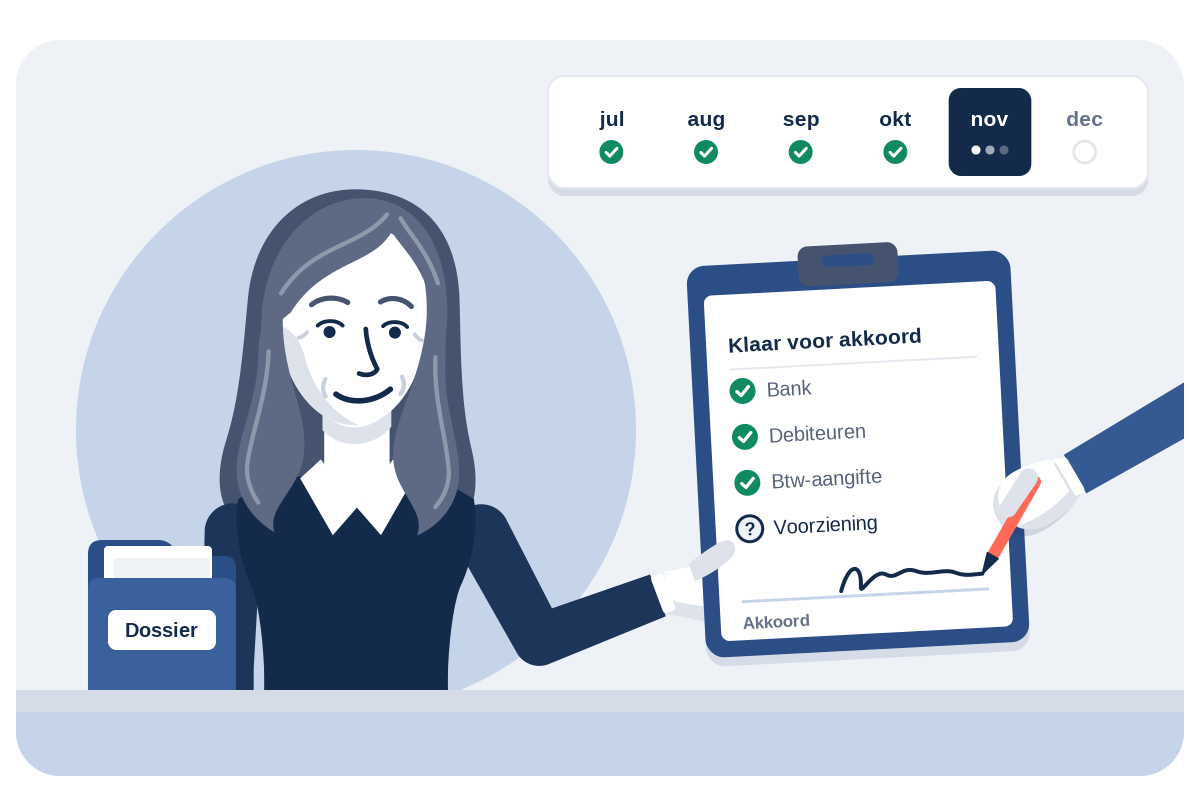
How Sara works
From period end to your approval.
You start the first closing of a client administration yourself. After that Sara prepares each following period, and every Monday you get an overview of that week's closings.

-
01
Fetch the data
When the period ends, Sara fetches the data. Every morning she checks for each client administration whether a closing can start, and what's still missing.
-
02
Check
She works through her checklist, from bank balances and VAT to outstanding items, payroll and fixed assets. Only what applies to the client and the period counts.
-
03
Prepare
She writes an explanation for each finding, gives her advice, drafts the questions for your client and calculates correcting entries.
-
04
Review
For each check you give your verdict: Approved, Question or Back to preparer. You can approve clean checks with a low or medium risk in one go. You always review high-risk checks one by one.
-
05
Close
You approve the closing and close the period. Sara tells you which journals to close in Exact Online, and then checks that it has been done. If something changes in that period later, you get a notification.
Knowledge base

How to work with Sara, step by step.
The knowledge base explains how to start and review a closing, and how to read Sara's advice.
What she works out
The legwork that keeps getting pushed back at your firm.
A selection from the 59 checks. Your firm can add its own checks.
VAT per box
She builds up the return per box from the general ledger and reconciles it with your VAT accounts, and later with the filed return. If she finds a mistake from an earlier period, she adds the route and the deadline: the next return or a supplementary return. You record how it is handled.
-
Bank to the cent
Sara checks every bank account against the balance from the bank itself. A difference with the bank has no tolerance.
-
One list for your client
All the documents a closing needs are on one list in your firm's portal. Your client answers it line by line, and each document is only asked for once.
-
A file for each closing
A checklist says that something has been done. The file of a closing shows what was checked and found, who prepared it and who reviewed it. As a PDF or Excel file, in your firm's house style.
What you decide
Sara prepares. The verdict is yours.
Sara gives no verdict, approves nothing and closes nothing. You take her advice or you don't. Approving records the check figures, with the evidence your approval rests on.
She only proposes a correcting entry if it follows line by line from the general ledger. It only goes into Exact Online after you approve it, and then she reads it back. She never changes existing bookings.
Sara has one permission, and it is off by default: posting requests for a missing document, a missing bank statement or a bank connection that needs renewing in your client's portal herself. Only an administrator can switch it on. Everything else waits for someone at your firm.
- Your verdict on each check, and whether the closing is approved
- Which questions go to your client
- Which correcting entries go into Exact Online
- What Sara infers about a client: one click per confirmation
Example from the product: a check from a closing that Sara prepared, with what she expected, what she found, her advice and the three verdicts you can give.
Limits
What Sara never does. Even if you switch it on.
These aren't settings. It's how the product is built, because you're liable and a person has to sign.
Never
File a tax return
Sara builds up the VAT and reconciles it. Your firm files the return and any supplementary return.
Never
Approve or close on her own
Sara gives no verdict and closes no period, not in boeq and not in Exact Online.
Never
Give your client advice
Her advice is for you. Client questions go out in your firm's name, and her name doesn't appear in the portal.
And if data is missing?
Then it says Cannot be assessed, and that never counts as OK. Everything Sara reports is based on the general ledger as it was synchronised, with the date shown.
- SoftwareExact Online
- ClosingsMonth, quarter and year
- PermissionsOne, off by default
- Client portalOnly your firm name
Honest answers
Frequently asked questions about Sara

-
No. Sara prepares the closing. You give your verdict on each check, approve the closing and close the period. In Exact Online, too, a person closes the journals; Sara tells you which ones and then checks that it has been done.
-
Monthly, quarterly and year-end. For each client administration she proposes a rhythm based on the VAT returns, and you can adjust it. You can only close a year-end closing once all the monthly or quarterly closings of that financial year are closed. She checks the whole general ledger, whoever made the bookings. If Leo works for you, she also checks whether his inbox is empty and the bank is processed. Read more in the knowledge base.
-
Yes, within the limits of the product. You choose which checks take part and which are mandatory, set tolerances, record who supplies which documents and add your own checks. A few rules are fixed. A difference with the bank balance, for example, has no tolerance.
-
Your client gets questions from your firm, in your own portal. Sara drafts them, and someone at your firm reads and sends them. Sara can only send requests for a missing document herself, if you allow her to.
-
Yes. Sara reads what your firm decided before, for the same client and in your firm practice. If your team keeps making the same choice for several clients, she proposes it as firm policy. Nothing changes until you accept that proposal.
-
Sara is coming soon. We'll discuss her price once she's available. Ask about her in your demo and Nour will show you how Sara works.
The team
Sara doesn't work alone.
Sara checks whether Leo's inbox is empty and the bank is processed before she prepares a closing. You hand accounts without an RGS code to Pieter. A person at your firm always does the approving and closing.
-
-
Pieter
Available NewSpecialist
Picks up the jobs that keep getting pushed back at the office.
Meet Pieter


Demo
Ask about Sara in your demo.
Sara is coming soon. In the demo Nour shows you how Sara prepares a closing and what you decide after that.

You'll speak to Nour
Co-founder, partner at DKB Finance
Thirty minutes on your portfolio, in Exact Online.