Topics

Sara · preparing closings
Coming soonSenior bookkeeper
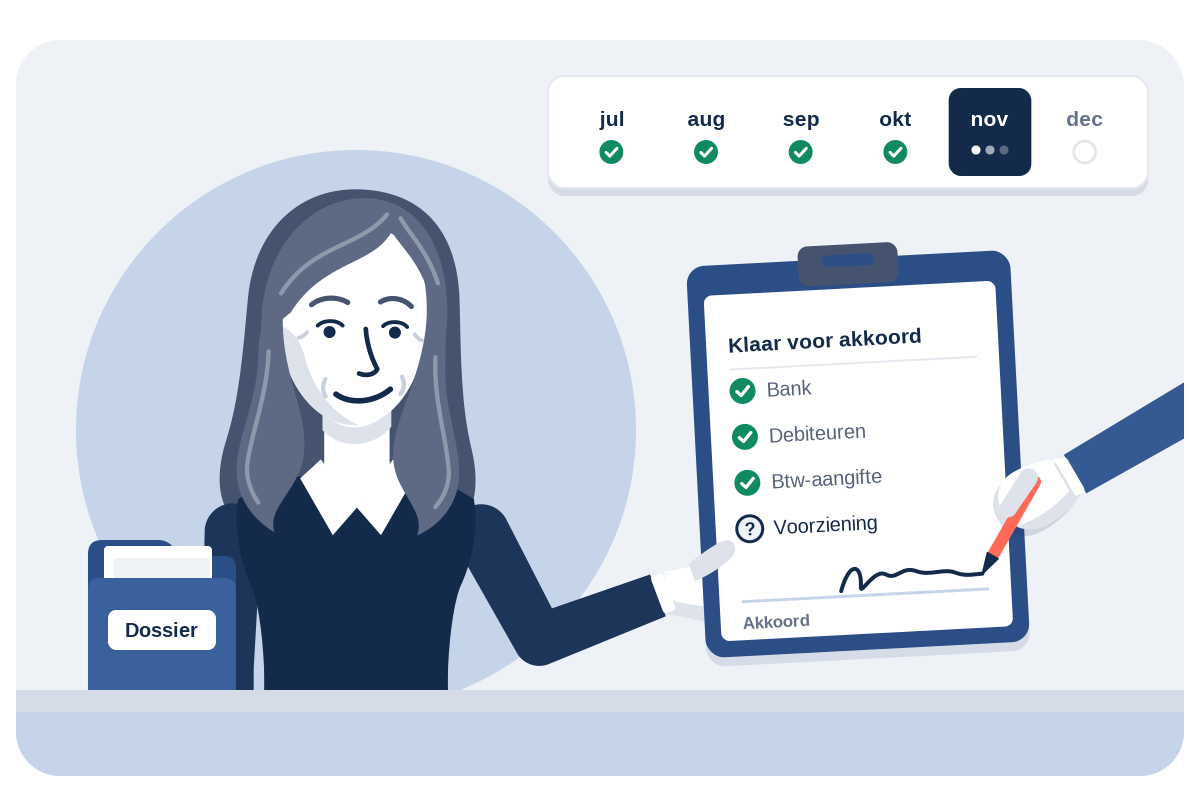
Sara is coming soon. You can already read how she works here. Sara is your senior bookkeeper. She works through a checklist of 59 checks on a fixed copy of your general ledger: for each client and each period, the checks that apply. She writes advice and prepares client questions and correcting entries. You give your verdict, approve and close the period, in boeq and in Exact Online.
29 articles
The basics
- What Sara does, what she doesn't and what you decide Sara prepares the monthly, quarterly and year-end closing. You review and approve. This is how the work is split between you.
- Switch on Sara: subscription, roles and permissions Sara is switched on per subscription. This is how you check that she is on, and how you give colleagues the permissions for closings.
- Month, quarter and year: the types of closing Sara prepares monthly, quarterly and year-end closings. This is how you see which type a client has, and how you change it.
- Start your first closing Start a client's first closing yourself, in Closings or on the administration's page. After that, Sara plans the rest.
- Can Sara start? What she checks first Before Sara runs the checks, she looks at whether the data is complete. This is where you see what she waits for and what holds a closing up.
- Review a closing: checks and verdicts Sara has prepared a closing. This is how you go through the four steps and the checks, and give your verdict on each check.
- Sara's advice: estimate and doubt When there is a deviation, Sara says what she thinks is going on. This is how you read that advice, and how you accept or decline it.
- Send client questions and the document list Sara prepares a document list and questions for the client. You review and send them. This is how you do that, and how you read the answers.
- Record the VAT return Sara doesn't file returns. After you file, you record the filed amount in the closing. Only then can you lock the period.
- Approve and lock a closing Does every check have your verdict? Then you approve the closing and lock the period in boeq. You do both under the Finish step.
- Download the closing file and close the period in Exact When you lock a closing, boeq stores the closing file. This is how you download it, and how you also close the period in Exact Online.
Going further
For when the basics are in place: settings, exceptions and what to do when something doesn't work.
Doing a closing
- Approve and post correcting entries Can Sara fix a mistake with lines that follow from the general ledger? Then she proposes a correcting entry. This is how you approve or reject it.
- Approving or locking fails: how to fix it Is something holding up approving or locking? This is how you read what is still open, and how you fix it.
- Reopen a closed period Does something need to change after locking? Reopen the closing with a reason. This is how you do it, and what happens next.
- A closing does not start: how to fix it Does a closing show ‘Data blocked’? Then Sara cannot use the data from Exact Online. This is how to find and fix the cause.
Setting up a closing
- Set up a closing: how to go about it Set up Sara for your whole firm first, then per client. This is the order, with an article for each setting.
- Set up your firm's checklist Choose which checks Sara runs, in which order and under which code. And decide how often you review a check.
- Set tolerances Decide from which difference Sara reports something. This is how you set a tolerance, and how you put it back to the default.
- Reference: all of Sara's tolerances Your firm's 29 tolerances with their default values. For each tolerance you read what it controls and which check uses it.
- Firm practice: what Sara asks the client Record per subject whether Sara requests a document from the client or your firm keeps it itself. And what counts as a deviation for your firm.
- Set up a second approval Want a second pair of eyes on the checks that weigh the most in a closing? Switch on the second approval. This is how to set it up and how it works.
- Add your own checks Does your firm do a check at closing that Sara does not know? Add it to the checklist. Someone at your firm carries it out and records it.
- Confirm Sara's statutory figures Sara uses figures from law and policy, such as the BUA threshold. This is how you confirm, once a year, the figures that are not in the law.
- Different settings per client Does one client work differently from the rest? Give that client its own tolerance, with a reason. Sara uses it from the next preparation.
- Confirm the client profile Sara works out from the books what kind of client it is. Confirm that profile, and Sara knows which checks apply to this client.
- Have standing data read: statements, agreements and registers Some checks need a document from outside the ledger. Upload it, let Sara read it and confirm what she read.
- When Sara prepares closings Once an administration is enrolled, Sara schedules every closing herself. This is how that schedule works, and how to choose the cadence or stop.
- Let Sara send low-risk questions herself May Sara send requests for missing documents to the client herself? Then switch on this authorisation. All other questions wait for you.
- Reference: all of Sara's checks Sara's 59 checks by subject. For each check you read what Sara looks at, when the check runs and whether you can switch it off.
Still stuck? Email [email protected] or call +31 6 57867535.