Topics
Set up a closing: how to go about it
Set up Sara for your whole firm first, then per client. This is the order, with an article for each setting.
- Level: Advanced
-
 Sara
- Updated
- 2 min read
- Role: Administrator
Before you start
- Sara is switched on for your firm.
- You have the Administrator role, or a role with the Manage closings permission.
Screenshots show boeq's Dutch interface.
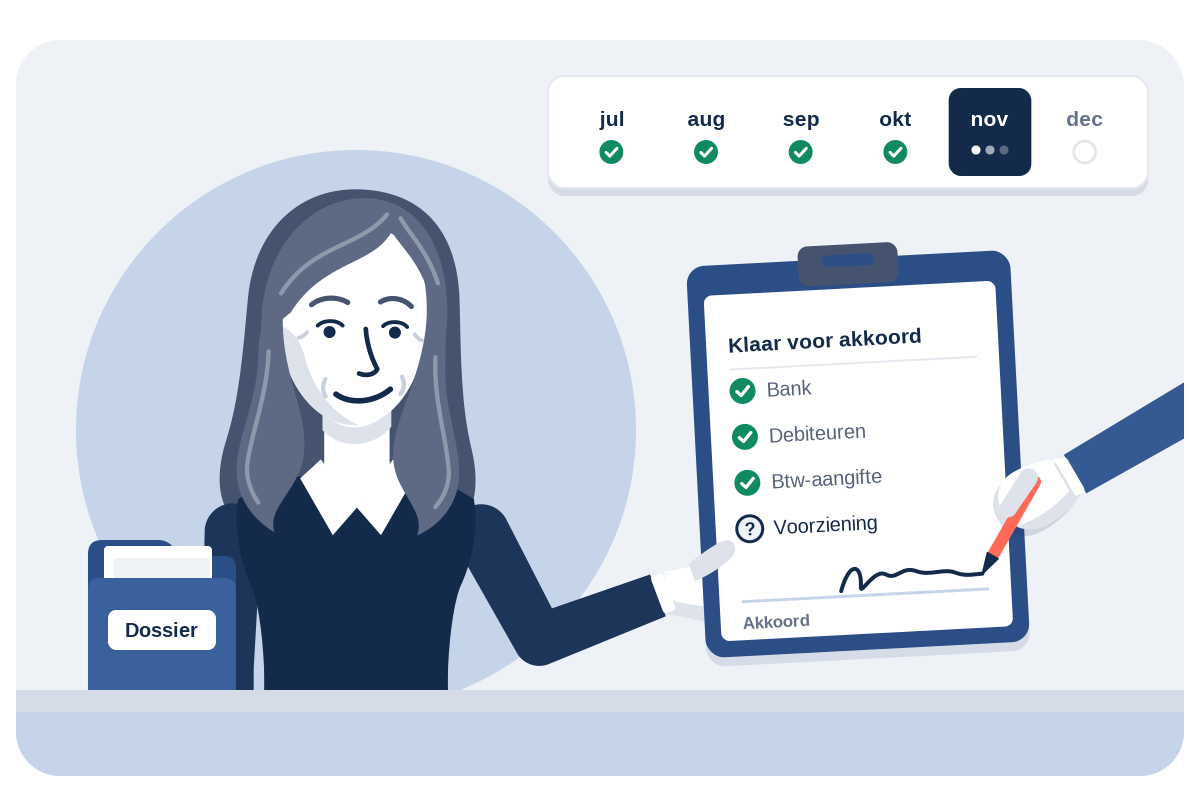
Sara prepares every closing according to your firm's settings. You set them in two layers: first for the whole firm, then per client. Most changes apply from the next time Sara recalculates a closing: during the preparation, or when someone clicks Refresh data. A change to Review on the checklist counts straight away.
For your whole firm
The firm settings are on one page. Open Closings in the menu and click Settings at the top right.

Go through the parts in this order:
- Choose which checks take part and how often you review them. Read Set up your firm's checklist.
- Decide from which difference Sara reports something. Read Set tolerances.
- Choose which documents Sara requests from the client. Read Firm practice: what Sara asks the client.
- Switch on a second approval if you want a second pair of eyes. Read Set up a second approval.
- Add the checks your firm does itself. Read Add your own checks.
- Once a year, confirm the statutory figures that are not in the text of the law. Read Confirm Sara's statutory figures.
- Choose whether Sara may send requests for missing documents to the client herself. You arrange this in Sara's dossier. Read Let Sara send low-risk questions herself.
Per client
Then work through each administration, on the administration's page. You open it from a closing of the client: click the arrow next to the name of the administration.
- Confirm what Sara derives about the client. Read Confirm the client profile.
- Give the client a different tolerance if needed, with a reason. Read Different settings per client.
- Have statements, agreements and registers read. Read Have standing data read.
- Check how often Sara prepares a closing for this client. Read When Sara prepares closings.
Reference
- Reference: all of Sara's checks tells you what each check looks at.
- Reference: all of Sara's tolerances tells you what each tolerance controls.
- A closing does not start: how to fix it helps when Sara cannot prepare a closing.
How it works
Some rules are fixed in the product. You see them at the bottom of the checklist under Fixed in the product, with the reason. A difference with the bank balance, for example, has no tolerance.
What Sara does
Sara prepares every closing according to your firm's settings. She never changes those settings herself.
What you decide
You decide which checks take part, which differences count and what Sara asks the client. A proposal from Sara only changes something once you accept it.
Not working?
Further reading
Still stuck? Email [email protected] or call +31 6 57867535.