Topics

Leo · invoices and bank
Junior bookkeeper
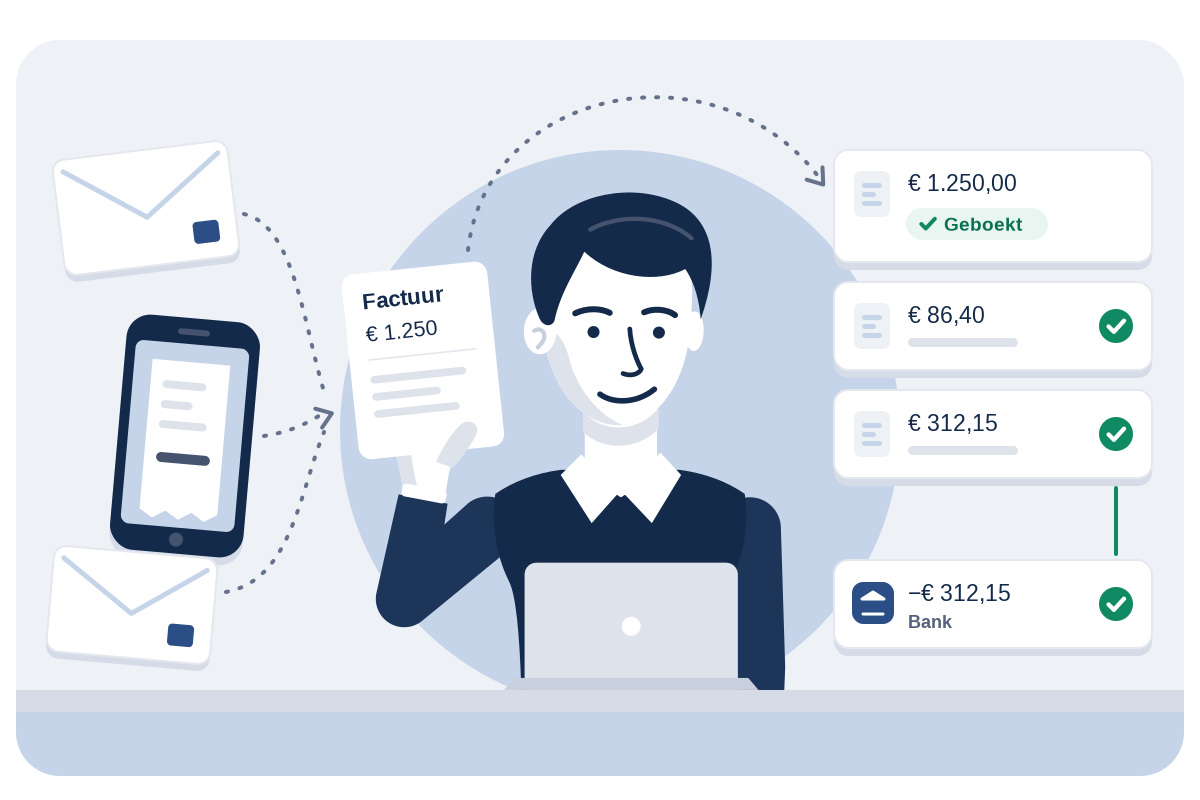
Leo is your junior bookkeeper. He reads your invoices and bank transactions and prepares the booking. You decide what he may book on his own and what he puts to you first.
24 articles
The basics
Invoices
- What Leo does, what he doesn't and what you decide Leo is your junior bookkeeper for invoices and the bank. This article covers what he does for you, what he never does and where you decide.
- How invoices reach Leo Invoices can reach Leo in six ways. Here is how to choose what suits your firm and your client, and where to find the settings.
- Create a mailbox per administration Give an administration its own email address. Invoices that arrive at that address go straight to Leo.
- Upload or photograph invoices Do you have invoices as a file or on paper? This is how you put them in boeq, including with a photo from your phone.
- Check and book a booking proposal Leo prepares a booking for every invoice. This is how you check his proposal and book it to Exact Online.
- Correct a proposal and make Leo remember it Is a field in Leo's proposal wrong? This is how you change it, and how you make sure Leo gets it right himself next time.
- Why Leo chose something: certainty and source With each choice, Leo shows how sure he is and where a value comes from. This is how you read that, and how you use it when you check.
Bank and chat
- Bank transactions: the views explained The Bank transactions screen shows what is waiting for you, what Leo has done and what your firm booked. How to read the views and statuses.
- Reconcile or book a bank transaction How to handle a bank transaction: match the payment to the right invoice, or book it to a general ledger account.
- Upload bank statements (CSV, MT940, PDF) Do the lines of an account not reach Exact Online by themselves? Upload the statement. Leo reads it, you approve it and Leo books.
- Chat with Leo about your administrations Ask Leo a question about one administration or your whole firm. He looks it up and shows where every figure comes from.
Agreements and settings
Going further
For when the basics are in place: settings, exceptions and what to do when something doesn't work.
Invoices
- Quick booking: clear a pile of invoices Are lots of invoices waiting for you? With Quick booking you work through them one at a time, using the keyboard if you like.
- Undo a booking Was an invoice booked wrongly? This is how you take the booking back out of Exact Online. You need the Revert bookings permission for this.
- Have Leo collect invoices from suppliers (Websites) Leo can log in to a supplier's website once a week and collect the new invoices there. This is how you set that up.
Bank and chat
- Quick booking at the bank: handle many bank transactions Are lots of bank transactions waiting for you? With Quick booking you handle them one at a time, the most certain proposals first.
- Change or undo a bank booking Is a booked bank transaction wrong? How to change the booking, or take it back out of Exact Online.
Agreements and settings
- Let Leo do more: how to go about it A six-step plan: from invoices that come in by themselves to a Leo who books on his own. Per administration, and you can always turn it back.
- Working agreements: what Leo learns from your firm A working agreement is a fixed rule Leo follows when he books. Read how working agreements come about and where to find them.
- Add, change or stop a working agreement Record a working agreement yourself, improve its wording or stop an agreement. You also change bank rules here.
- Leo's authorisations: booking on his own and thresholds Decide whether Leo may handle invoices and bank transactions on his own, and how certain he must be. By default everything is off.
- Set up Leo's way of working Decide how carefully Leo works with unknown suppliers, invoices from a new country and merging invoice lines.
- Leo's record: performance and work that came back Leo's record shows what Leo did, why work came back to you and what he may do. Here is how to read it.
- Bank settings: differences, accounts and capitalisation threshold Decide how much leeway Leo has when he matches payments to invoices, and which accounts he books differences to. Set it under Settings, Behaviour.
Still stuck? Email [email protected] or call +31 6 57867535.