Topics
What Leo does, what he doesn't and what you decide
Leo is your junior bookkeeper for invoices and the bank. This article covers what he does for you, what he never does and where you decide.
-
 Leo
- Updated
- 3 min read
On this page
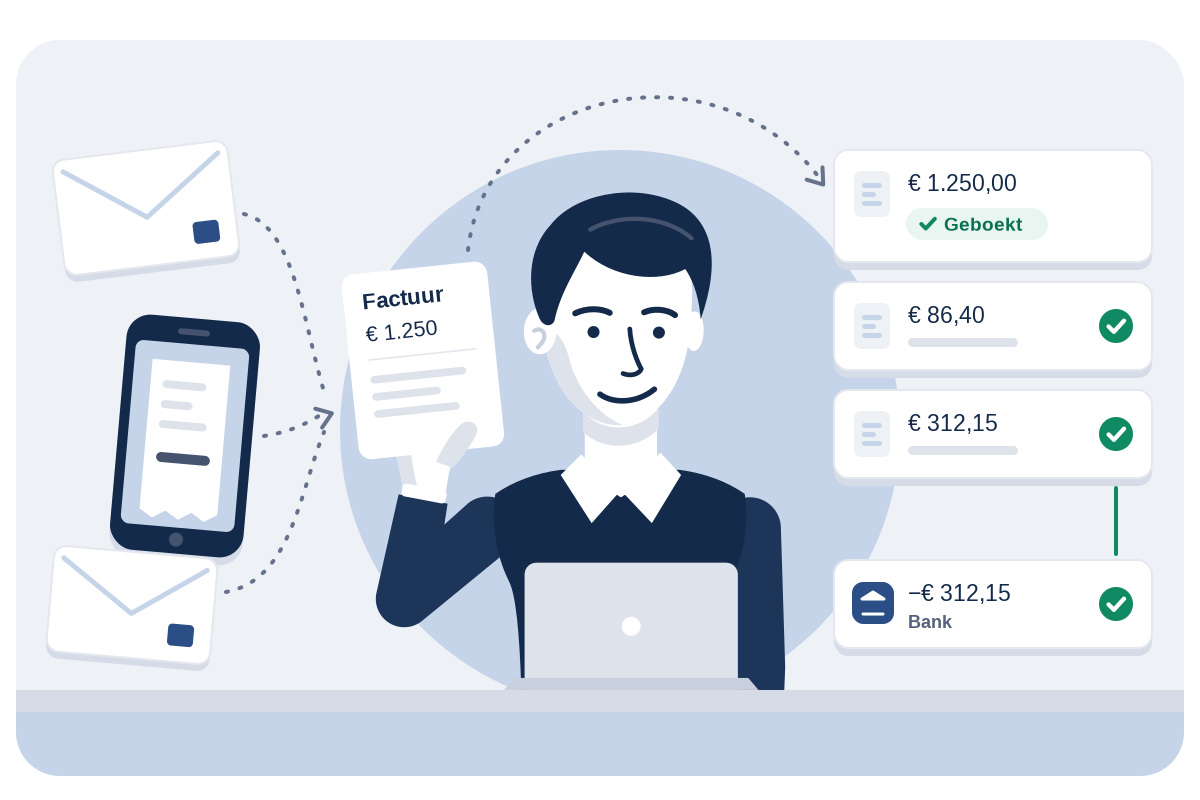
Leo works per administration. He does the daily work on purchase invoices, sales invoices and bank transactions. You have the final say.
What Leo does
- Reads invoices: Leo reads every invoice that comes in. He takes the supplier or customer, the amounts and the VAT from the document.
- Prepares a booking: he picks the relation, the general ledger account and the VAT code. A prepared booking like this is called a proposal.
- Explains why: for each choice you see how sure Leo is and where the value comes from.
- Asks questions: if Leo can't work something out, he puts the invoice to you with his question. If your client has a portal, he asks some questions to your client directly.
- Prepares bank transactions: for each payment, Leo looks for the outstanding invoice or a general ledger account.
- Answers in the chat: you can ask Leo questions about your administrations.
What Leo doesn't do
- Leo doesn't email your client. If your client has a client portal, Leo posts questions there himself, such as a request for the receipt that goes with a payment. Read Answer questions and pass them on to your client.
- Leo doesn't do VAT returns.
- Leo doesn't close periods in Exact Online.
- Leo doesn't give your client advice.
- Leo doesn't book in Exact Online on his own, unless your firm gives him the authorisation to. Without it he still does part of the work himself, such as rejecting a duplicate invoice. Read What Leo does automatically.
What you decide
- Whether a proposal is right: you check the proposal and book it to Exact Online.
- Whether Leo may book on his own: by default Leo puts every invoice to you first. An Administrator can give him the authorisation Book invoices on his own. Leo then books by himself when he is more certain than the threshold your firm chooses.
- What Leo remembers: when you correct a proposal, you can turn the correction into a working agreement. A working agreement is a fixed rule that Leo follows from then on.
- Whether a booking has to be undone: an Administrator can take a booking back out of Exact Online.
Where to start
- First set up how invoices come in. Read How invoices reach Leo.
- Then check your first proposals. Read Check and book a booking proposal.
- If you work with the bank, read Bank transactions: the views explained.
- Answer Leo's questions. Read Answer questions and pass them on to your client.
Further reading
Still stuck? Email [email protected] or call +31 6 57867535.