Topics

Pieter · one-off jobs
Specialist
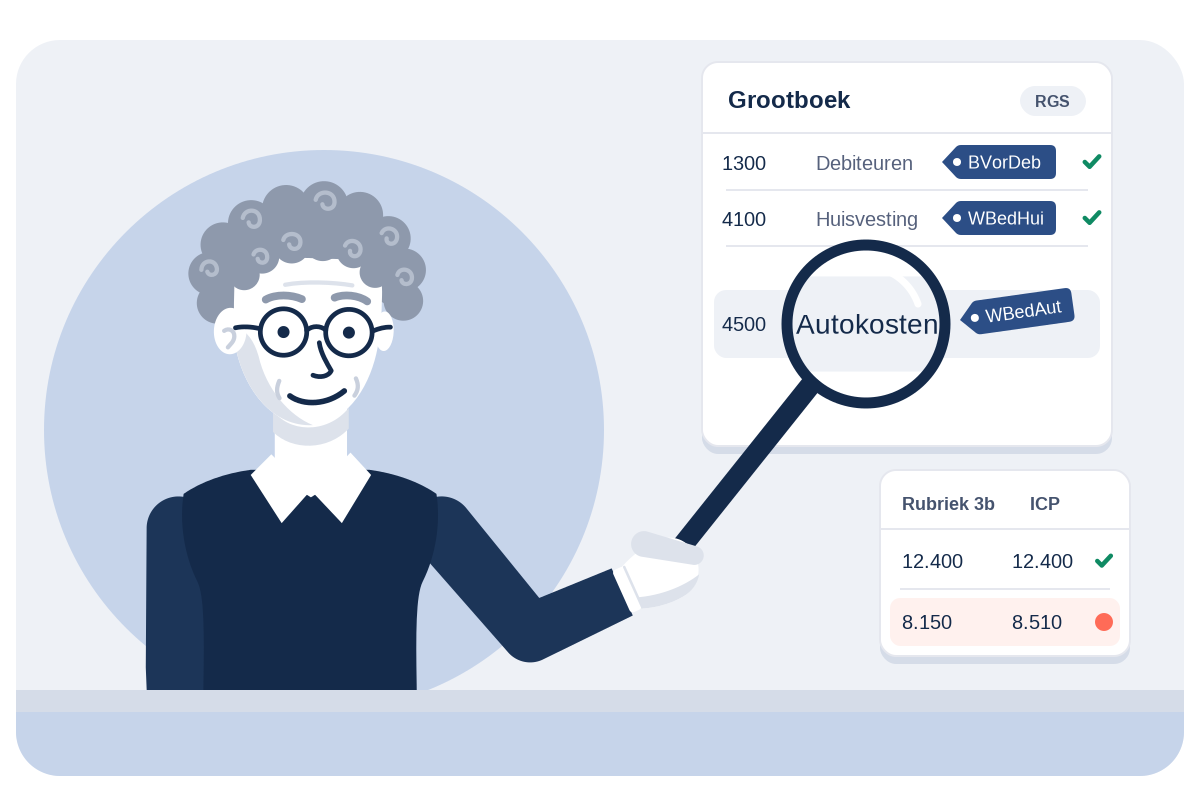
Pieter is the specialist for one-off jobs. He checks the RGS codes (from the Dutch reference chart of accounts) on your general ledger, compares box 3b of your VAT returns with your ICP returns (EC Sales Lists), finds open purchase invoices that were already paid on a cost account, and goes through the work-related costs scheme (WKR) per client. Nothing changes in Exact Online until you approve his proposal.
11 articles
The basics
RGS check
- What Pieter does, what he doesn't and what you decide Pieter is the specialist for one-off tasks, such as the RGS check and the WKR check. This is how the work is split between you.
- Start an RGS check Have Pieter check the RGS codes of one administration or of all your administrations. You see what the check costs first.
- Review and approve Pieter's proposals Check the RGS codes Pieter proposes. Approve them, choose a different code or reject them. Only then does a code go to Exact Online.
ICP check
- The ICP check: box 3b next to your ICP returns Pieter checks whether every period with turnover in box 3b has a filed ICP return. This is how you start the check and read the result.
- Mark an ICP period as handled Did Pieter find turnover in box 3b without an ICP return? File the return after all, or mark the period as handled with a reason.
Outstanding items check
WKR check
- The WKR check: going through the work-related costs scheme per client Per client and per calendar year, Pieter goes through the cost lines for the work-related costs scheme and works out the free space and the final levy.
- Complete a WKR check: wage sum, questions and final levy Enter the fiscal wage sum, answer what Pieter asks and, once the year has ended, approve the booking of the final levy.
Going further
For when the basics are in place: settings, exceptions and what to do when something doesn't work.
- Approve many proposals at once Approve all of Pieter's certain proposals in one go. You can do this for one administration or for several administrations at once.
- How Pieter picks an RGS code Pieter looks at your own firm, earlier decisions and what was booked on the account. That is how he arrives at a proposal and a certainty.
- A code doesn't reach Exact You approved an RGS code, but it isn't in Exact Online yet. This is how you see why, and how you try again.
Still stuck? Email [email protected] or call +31 6 57867535.