Topics
Start an RGS check
Have Pieter check the RGS codes of one administration or of all your administrations. You see what the check costs first.
-
 Pieter
- Updated
- 2 min read
- Role: Administrator
Before you start
- The administration is connected to Exact Online.
- Your role has the ‘Use Pieter’ permission. An Administrator always has it.
Screenshots show boeq's Dutch interface.
An RGS check reviews the codes from RGS (the Dutch reference chart of accounts) on an administration's general ledger. You start the check yourself. Pieter never starts on his own.
Check one administration
-
Click Pieter in the menu.
-
Click RGS check.
-
Find the administration in the list.
-
Click Check in that row.
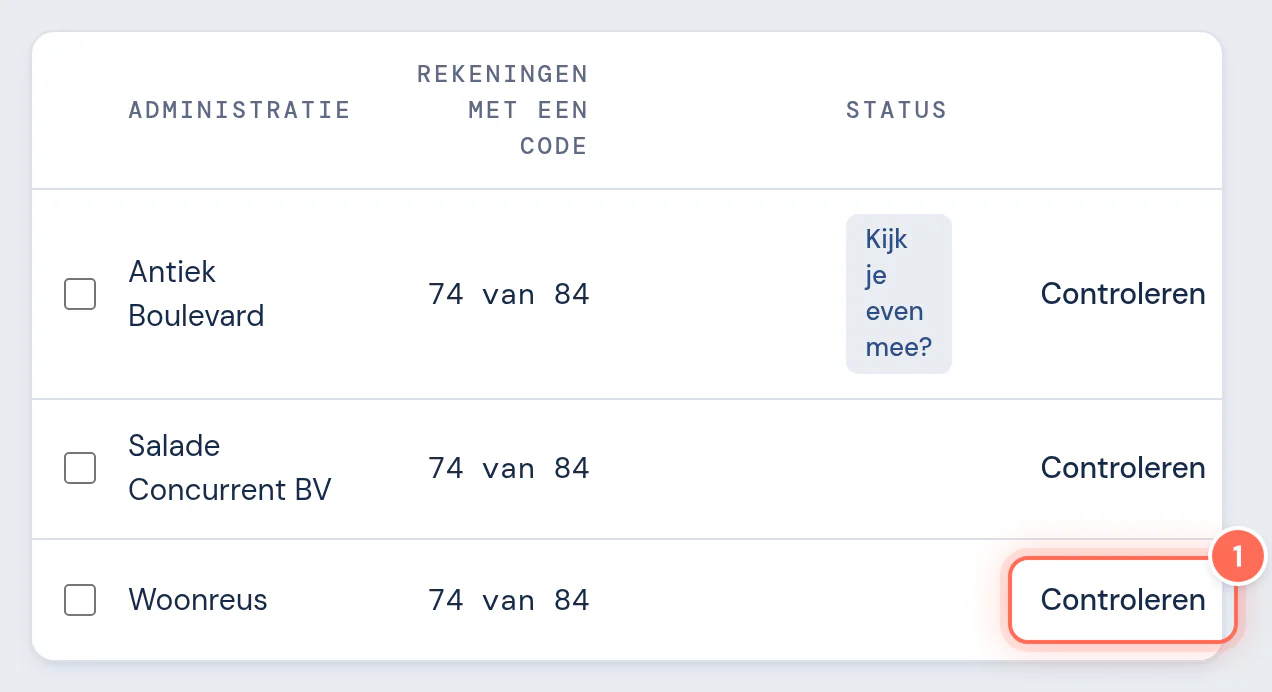
Check (1) starts one administration. -
Read in the popup what the check costs and how many credits you have left.
-
Click Start check.
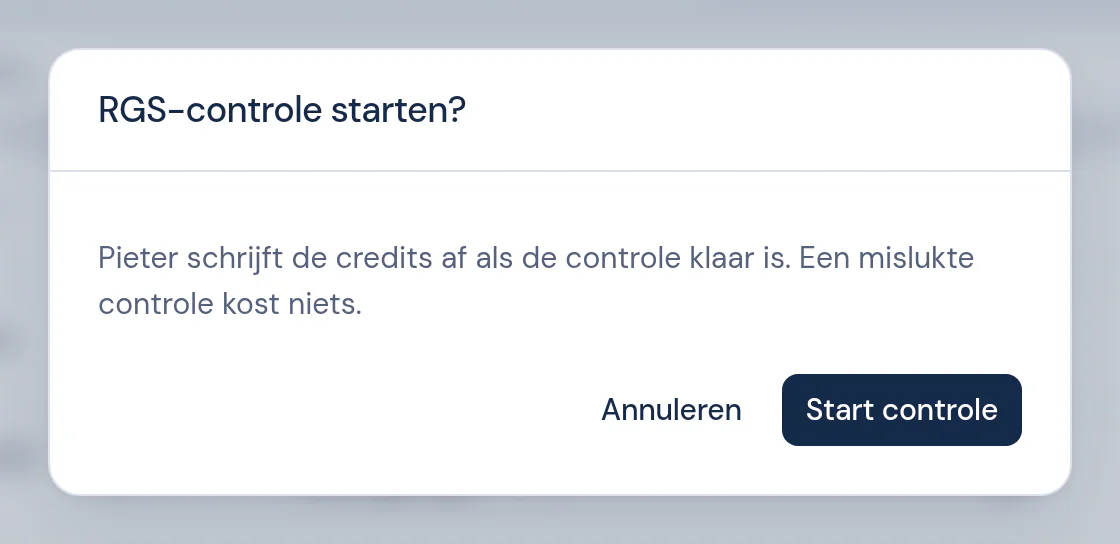
The cost and your balance sit above this line. They are left out here.
Already on the administration's page? Then click Check this administration there.
All administrations at once
- On the RGS check page, click Check all administrations.
- Click Start checks in the popup.
Pieter skips administrations he is already checking at that moment.
Good to know
If you choose an administration first, Master data › RGS mapping shows the accounts without a code. Click Let Pieter check this administration there. You get the same popup.
While Pieter works
Pieter first fetches fresh codes from Exact Online. Then he checks the accounts one by one. The Status column shows how far he has got: Pieter starts soon, Pieter is reading the accounts or Pieter is checking. Click the administration to follow Pieter's progress live.
You don't have to wait: Pieter keeps working if you close the page.
If Pieter has proposals for you, the status says Will you take a look?. If everything is right, it says Done. Read on in Review and approve Pieter's proposals.
Does it say Check failed? Then start the check again. Pieter carries on where he stopped.
How it works
Pieter charges the credits when the check is finished. A check that fails costs nothing. Checking an administration again costs credits again. If you have too few credits left, Pieter can't start.
What Pieter does
Pieter fetches fresh codes from Exact Online and checks every active general ledger account. If a code is missing or wrong, he prepares a proposal.
What you decide
You choose which administrations Pieter checks, and when. Nothing changes in Exact Online until you approve a proposal.
Not working?
Further reading
Still stuck? Email [email protected] or call +31 6 57867535.