Topics
Roles and permissions: Administrator, Member and Read-only
A role decides what a colleague can do in boeq. Read what the three standard roles can do and how to give a colleague a different role.
Screenshots show boeq's Dutch interface.
Every colleague at your firm has one role. The role decides what they can do in boeq. Which administrations they can open is set separately. Read Manage access per administration.
The three standard roles
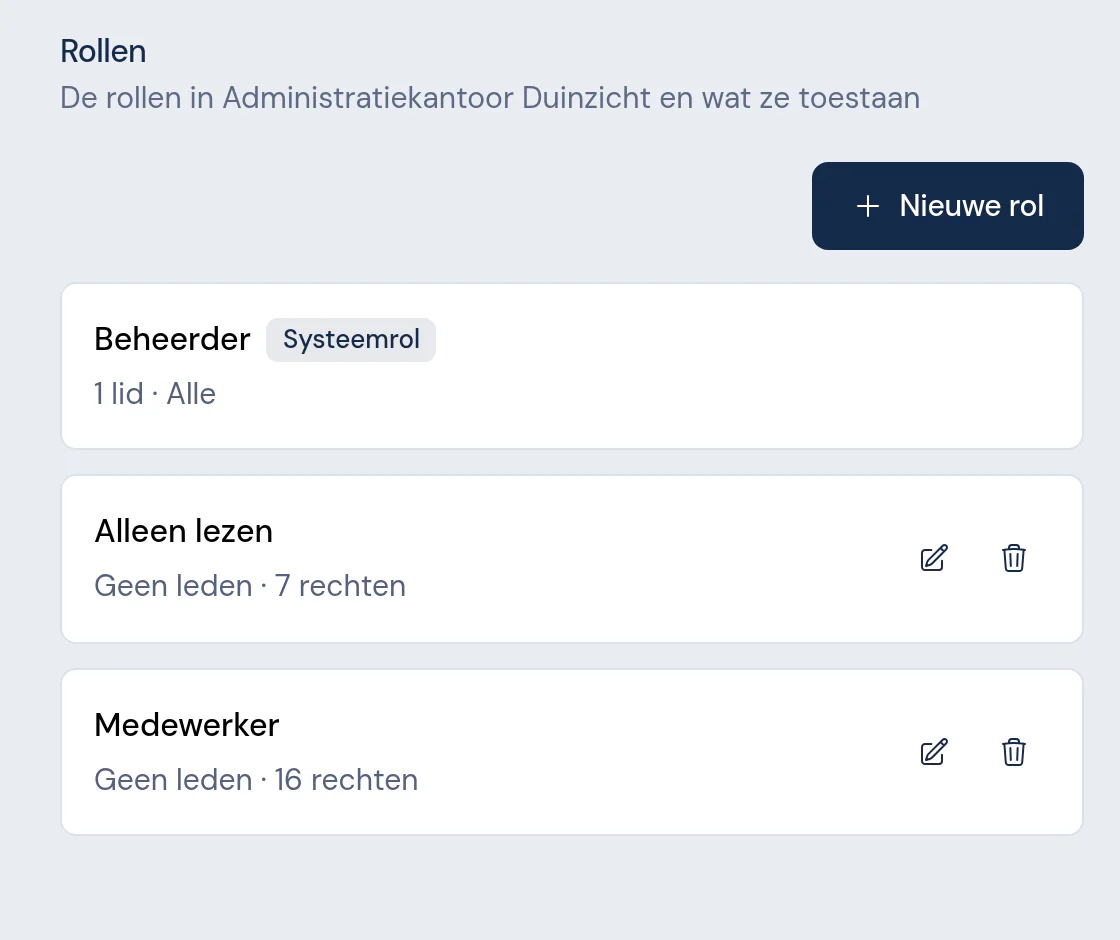
| Role | What it can do |
|---|---|
| Administrator | Everything, including settings, colleagues, roles, security and the subscription. |
| Member | Upload, process, book and delete invoices. Import bank statements, book bank transactions and undo a bank booking. Answer Leo's questions, chat with Leo, view and prepare closings, and view relations and bookkeeping data. |
| Read-only | View invoices, bank transactions, closings, relations and bookkeeping data, and chat with Leo. |
What a Member can't do
- Undo a booked invoice.
- Manage working agreements and Leo's permissions.
- Use Pieter.
- Review, approve or lock a closing that Sara prepared.
- Reopen a closing or post correcting entries.
- Download exports and create general ledger accounts.
- Manage client portals, invoice sources, settings and colleagues.
Does a colleague need to be able to do one of these things? Then create a custom role. Read Create a custom role.
How it works
Administrator is a system role. You can't change it. The owner of the firm always has all permissions and all administrations.
Give a colleague a different role
-
Go to Settings › Organisations.
-
Next to your firm, click Edit organisation (the pencil).
-
In Organisation members, click the pencil with the square next to the colleague (Edit access).
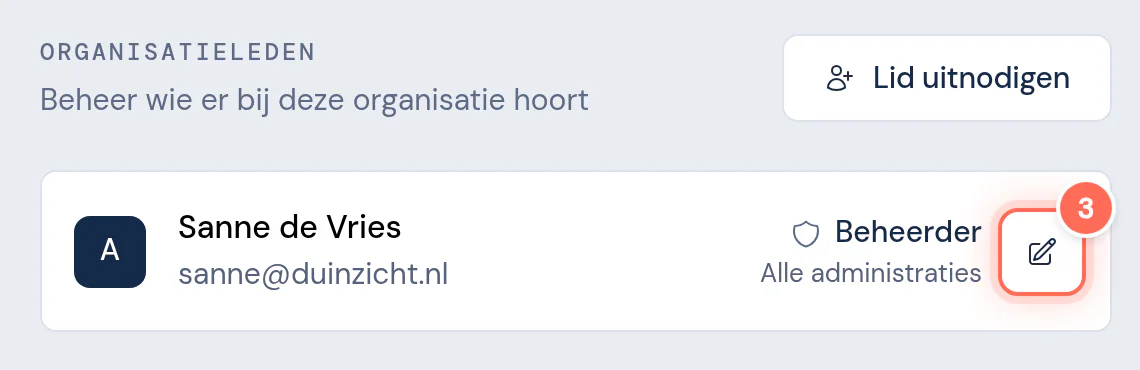
The button with the pencil and the square is Edit access. -
Choose a different Role in the window.
-
Click Save.
The new role applies straight away. You can't change your own role. Ask another Administrator to do that. Nobody can change the owner's role.
Further reading
Still stuck? Email [email protected] or call +31 6 57867535.