Topics
View past changes
See who changed what in the settings of an administration or of your firm, and when.
Before you start
- You have the View changes permission. An Administrator always has it.
Screenshots show boeq's Dutch interface.
boeq keeps two lists:
- Changes: every change to the settings and master data of one administration.
- Organisation changes: every change to the settings, members and roles of your firm.
View the changes of an administration
-
Go to Settings › Changes.
-
Under Administration, choose the administration you want to see. If you only have one administration, you see it straight away.
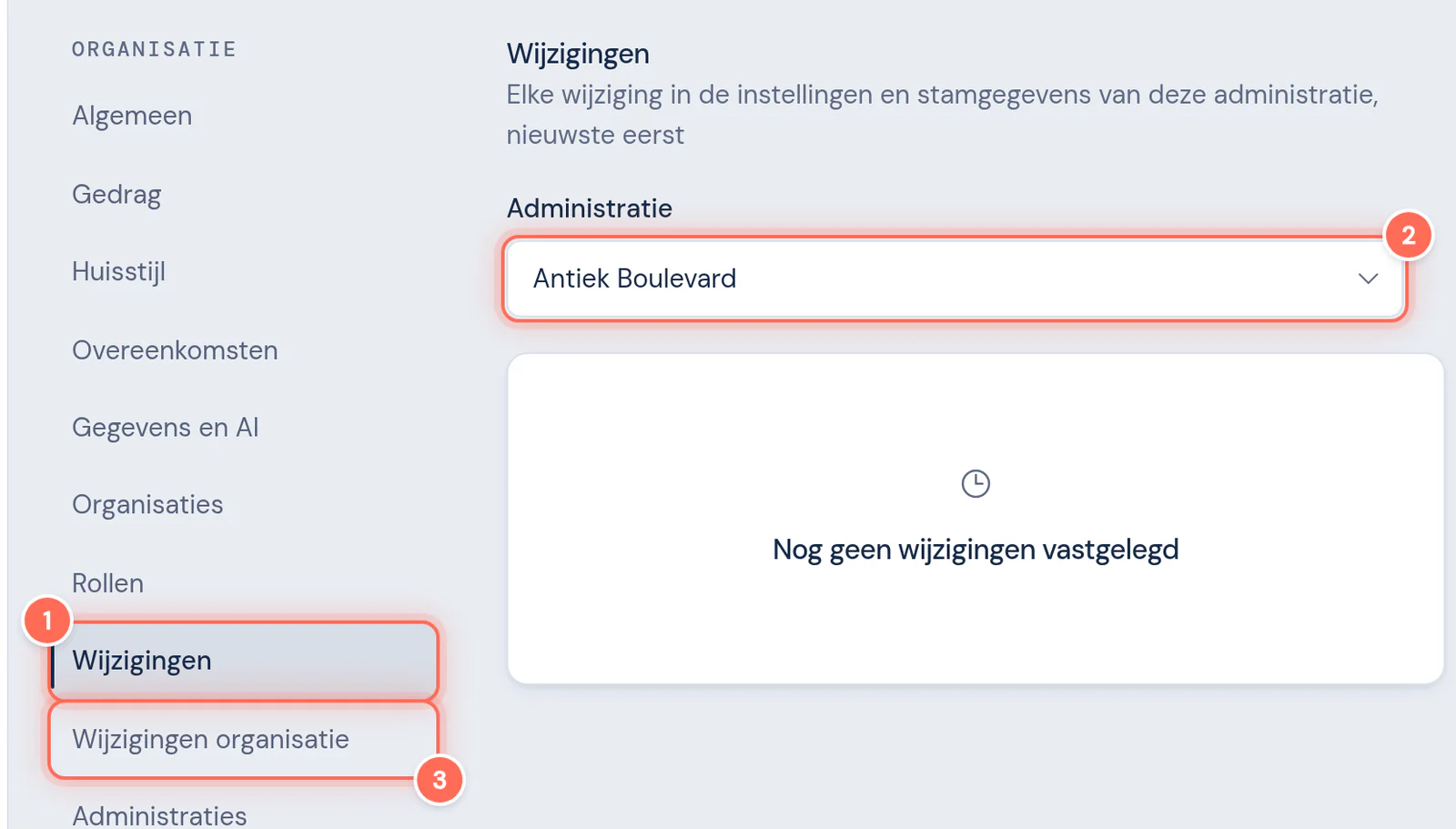
1 and 2 belong to these steps. At 3 you open the changes of your firm. Nothing there yet? Then you see No changes recorded yet.
The newest change is at the top. For each change you see:
- what happened, such as Created, Changed or Deleted;
- what it is about, for example a setting or a mailbox;
- who did it: a colleague, Leo, Pieter, Sara, a client or boeq support;
- when it happened;
- the old and the new value.
More than 25 changes? Use the arrows at the bottom of the list to page through them.
View the changes of your firm
- Go to Settings › Organisation changes.
Here you see, for example, who invited a colleague, changed a role or changed a colleague's access. The list works the same way as the one for an administration.
Good to know
Looking for who changed the security level? That is also shown on the Security tab, below the level. Read Security level and login locations.
Further reading
Still stuck? Email [email protected] or call +31 6 57867535.