Topics
Log in, forgotten password and log out
How to log in to boeq, how to set a new password if you have lost yours, and how to log out again.
On this page
Before you start
- You have a boeq account.
Screenshots show boeq's Dutch interface.
Log in
- Go to app.boeq.ai.
- Enter your Email address and your Password.
- Click Log in.
If you use two-factor authentication, boeq then asks for the 6-digit code from your app. Enter that code. Then click Continue.
If you have a passkey, click Sign in with a passkey. You don't need a password then.
On a shared computer, leave Remember me unticked.
Watch out
Seeing These credentials do not match our records.? Check your email address and password. After five failed attempts, you have to wait a minute. The screen shows how many seconds are left. Seeing Location not approved? Then read Security level and login locations.
Forgotten password
- On the login screen, click Forgot your password?
- Enter your email address.
- Click Email password reset link.
- Open the Reset Password Notification email.
- Click Reset Password. The link works for 60 minutes.
- Enter your new password twice.
- Click Reset password.
After step 3 you see the message We have emailed your password reset link. If the link has expired, you see This password reset token is invalid. Then request a new link.
A password has at least 12 characters. Use capitals, lower-case letters, a number and a punctuation mark. You can't use a password that appears in a known data leak.
Change your password
-
Go to Settings › Security.
-
Under Current password, enter the password you use now.
-
Enter your new password under New password and under Confirm password.
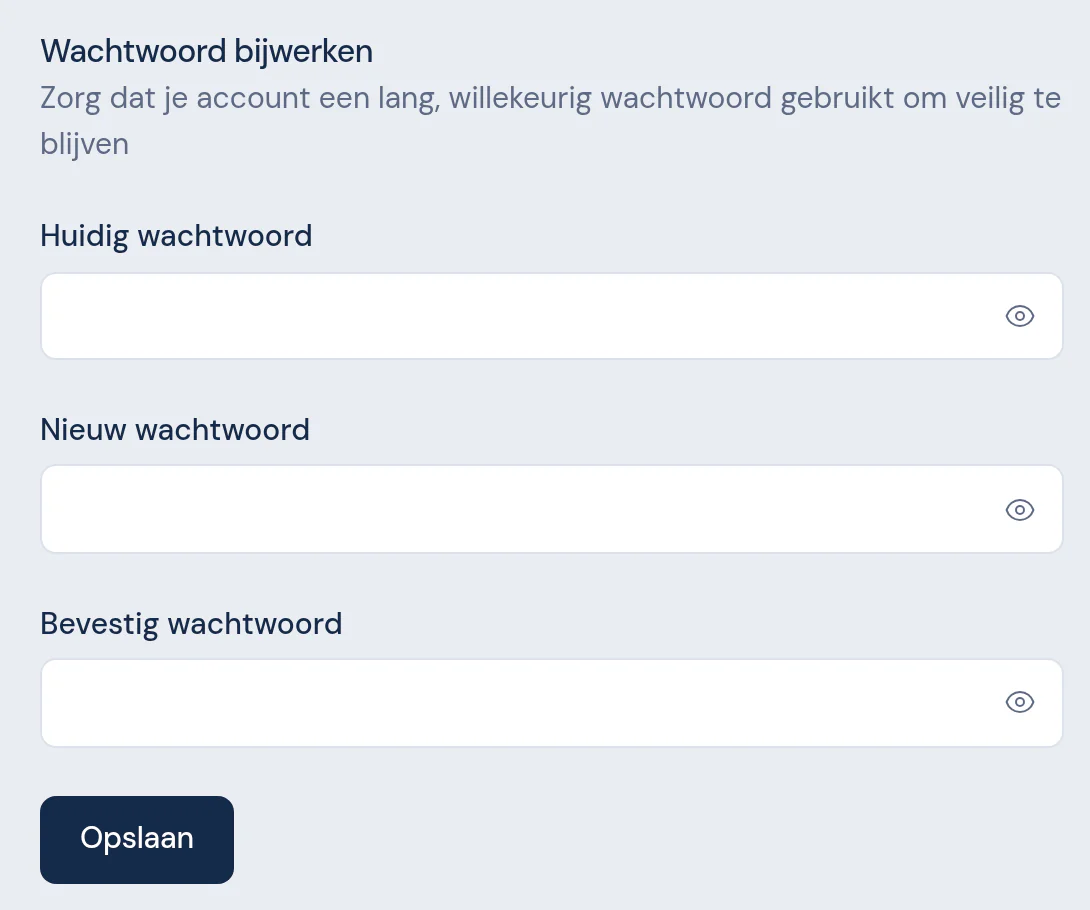
You find this block at the top of Settings, Security. -
Click Save.
If you see The password is incorrect., your current password wasn't entered correctly. If you see The two passwords are not the same., enter the new password again under Confirm password.
Log out
-
Click your initials at the top right.
-
Click Log out.
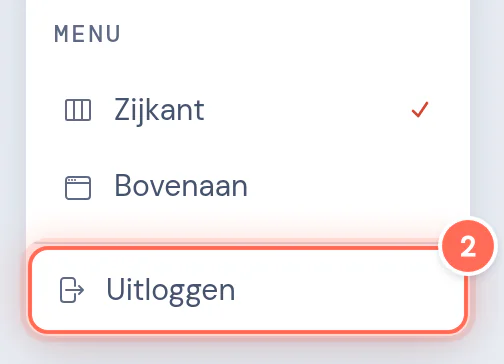
Log out is at the bottom of the menu under your initials.
Not working?
Further reading
Still stuck? Email [email protected] or call +31 6 57867535.