Topics
What Pieter does, what he doesn't and what you decide
Pieter is the specialist for one-off tasks, such as the RGS check and the WKR check. This is how the work is split between you.
-
 Pieter
- Updated
- 3 min read
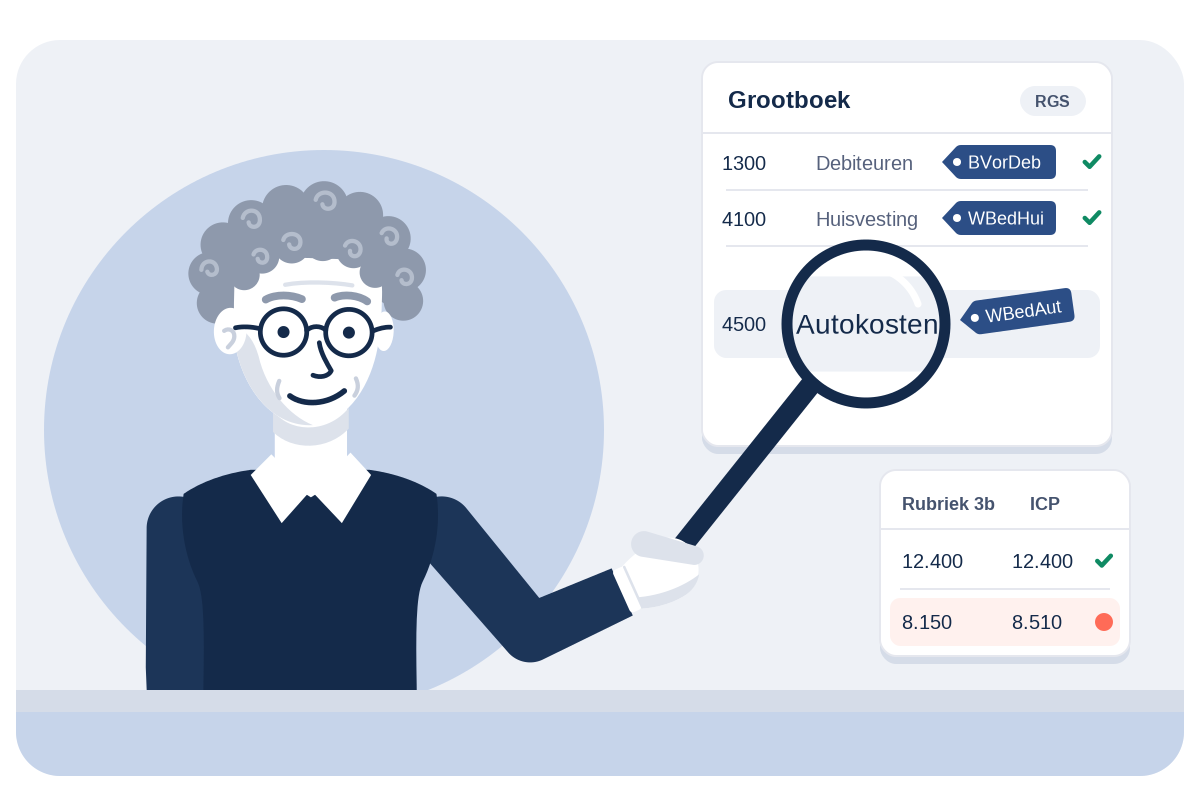
Pieter is the colleague for one-off tasks. He does the work that often gets left at a firm. In the menu you find him under AI colleagues as Pieter, with One-off tasks below his name. For now he does four tasks.
What Pieter does
- The RGS check: RGS (the Dutch reference chart of accounts) gives each general ledger account a code that says what the account means. Pieter checks the codes on all active general ledger accounts of an administration. If a code is missing or wrong, Pieter prepares a proposal.
- Saying how certain he is: every proposal shows Certain, Fairly certain or Uncertain.
- The ICP check: for each period, Pieter puts box 3b of the VAT return next to your ICP returns (EC Sales Lists). He looks at the last 12 months. If a return is missing, he asks you a question.
- The outstanding items check: Pieter finds open purchase invoices that were already paid by a bank line booked straight to a cost account. For each invoice he prepares a memorial entry that moves the amount to the supplier and settles the invoice. He uses no AI for this.
- The WKR check: per client and per calendar year, Pieter gives the cost lines a treatment under the work-related costs scheme (WKR), with that year's law at hand. He works out the free space, the use and the final levy. Once the year has ended, he proposes the booking of the final levy.
- Showing the cost up front: Pieter runs on your credits. You see what a check costs before he starts. He charges the credits when the check is finished. A check that fails costs nothing.
What Pieter doesn't do
- Pieter never starts a check on his own. You do that.
- He doesn't put a code in Exact Online or book a memorial entry without your approval.
- The ICP check changes nothing in your administration.
- In the WKR check he calculates per administration, without the group scheme.
- He doesn't file a tax return or an ICP return.
- He doesn't book invoices or bank transactions. Leo does that.
- He has no contact with your client. Your client doesn't see Pieter.
What you decide
- Which administrations Pieter checks, and when.
- Which codes go to Exact Online: you approve a proposal, choose a different code or reject it. You can also approve many proposals at once.
- What happens to a period without an ICP return: you file the return, or you mark the period as handled, with a reason.
- Which memorial entries Pieter books: in the outstanding items check you approve each memorial entry, or you set the bank line aside when it is not the payment.
- How a WKR line counts when Pieter can't settle it: you also enter the fiscal wage sum and approve the booking of the final levy.
- Who works with Pieter: by default only an Administrator works with Pieter. An Administrator can also give the Use Pieter permission to another role. Read Roles and permissions.
How it works
Exact Online stays the source of truth. After writing a code, Pieter reads it back from Exact Online. If an account has changed in Exact Online in the meantime, Pieter leaves that account alone. Has an invoice, a bank line or the ledger changed since his check? Then he doesn't book and asks you to check again.
Where to start
Further reading
Still stuck? Email [email protected] or call +31 6 57867535.