Topics
Undo a booking
Was an invoice booked wrongly? This is how you take the booking back out of Exact Online. You need the Revert bookings permission for this.
- Level: Advanced
-
 Leo
- Updated
- 2 min read
- Role: Administrator
Before you start
- You have the Administrator role, or a role with the Revert bookings permission.
- The invoice has the status 'Booked'.
Screenshots show boeq's Dutch interface.
Reverting takes the booking out of Exact Online. The invoice stays in boeq.
Watch out
Leo permanently deletes the booking from Exact Online. First check that you have the right invoice open.
Revert a booking
-
Choose the administration at the top.
-
Open Invoices in the menu.
-
Choose the Leo handled these view.
-
Click the invoice.
-
Next to Booking proposal, click Revert booking.
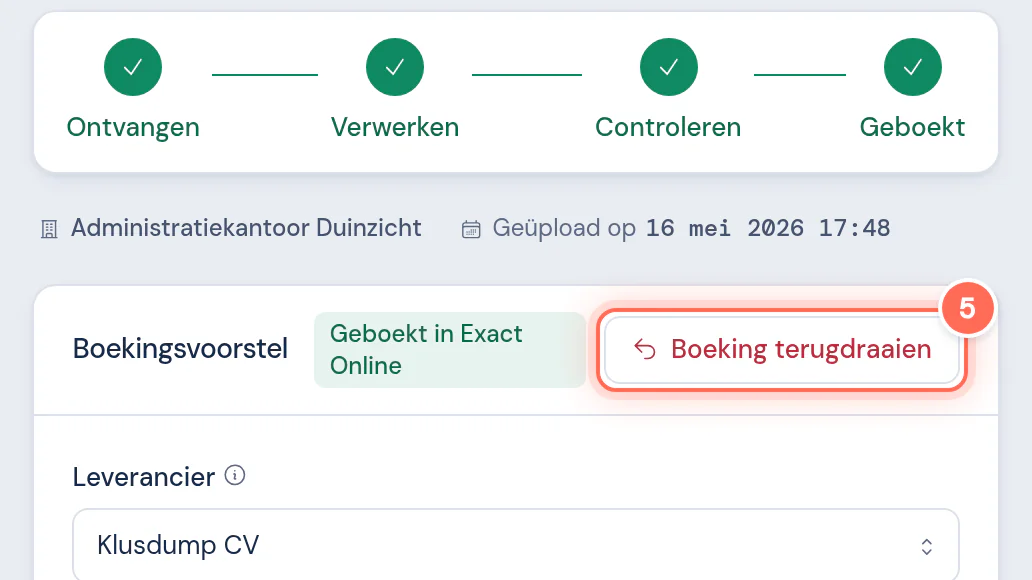
The button is next to Booked in Exact Online. -
Read the question that appears.
-
Click Yes, revert.
If you can't see Yes, revert, the button is behind the document. It is already selected, so press Enter to revert.
With the Member role you aren't allowed to revert a booking, even if you can see the button. Ask an Administrator.
What happens next
- Leo deletes the booking from Exact Online.
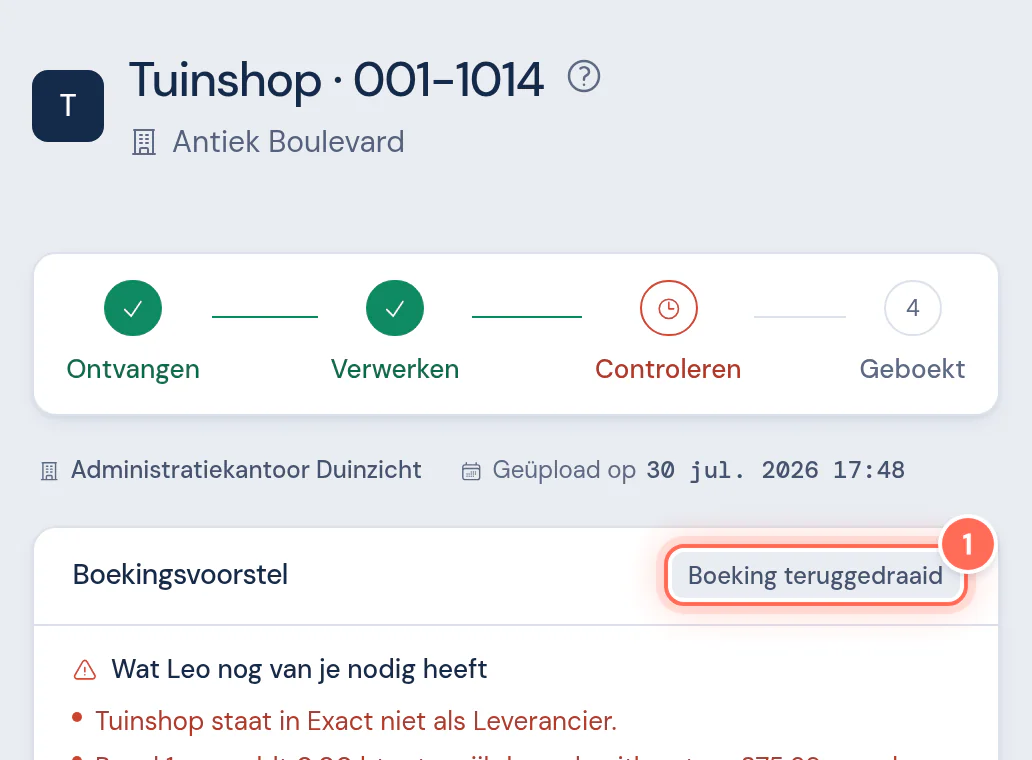
- The invoice gets the status 'Reverted'. The proposal shows Booking reverted.
- The invoice is in the Leo needs you view. You can't book it again from boeq yet. You can delete the invoice.
If reverting fails
If Exact Online refuses to delete the booking, you see this message with the reason:
The booking could not be reverted in Exact Online
In that case nothing has changed. The invoice is still booked. Fix the cause in Exact Online and revert the booking again.
If Exact Online is busy or unreachable, nothing has changed either. Try again in a few minutes.
What Leo does
Leo deletes the booking from Exact Online. The invoice stays in boeq, with the status Reverted.
What you decide
You decide whether a booking has to be undone. Leo never reverts a booking on his own.
Not working?
Further reading
Still stuck? Email [email protected] or call +31 6 57867535.