Topics
Leo's record: performance and work that came back
Leo's record shows what Leo did, why work came back to you and what he may do. Here is how to read it.
- Level: Advanced
-
 Leo
- Updated
- 2 min read
Screenshots show boeq's Dutch interface.
Open Dossier in the menu, under Leo. At the top, Employed since shows the date Leo started at your firm.
What Leo has done
-
Under Period, choose 7 days, 30 days or 90 days.
-
Do you want to see one administration or one type of work? Click Filter and choose Administration or Type of work.
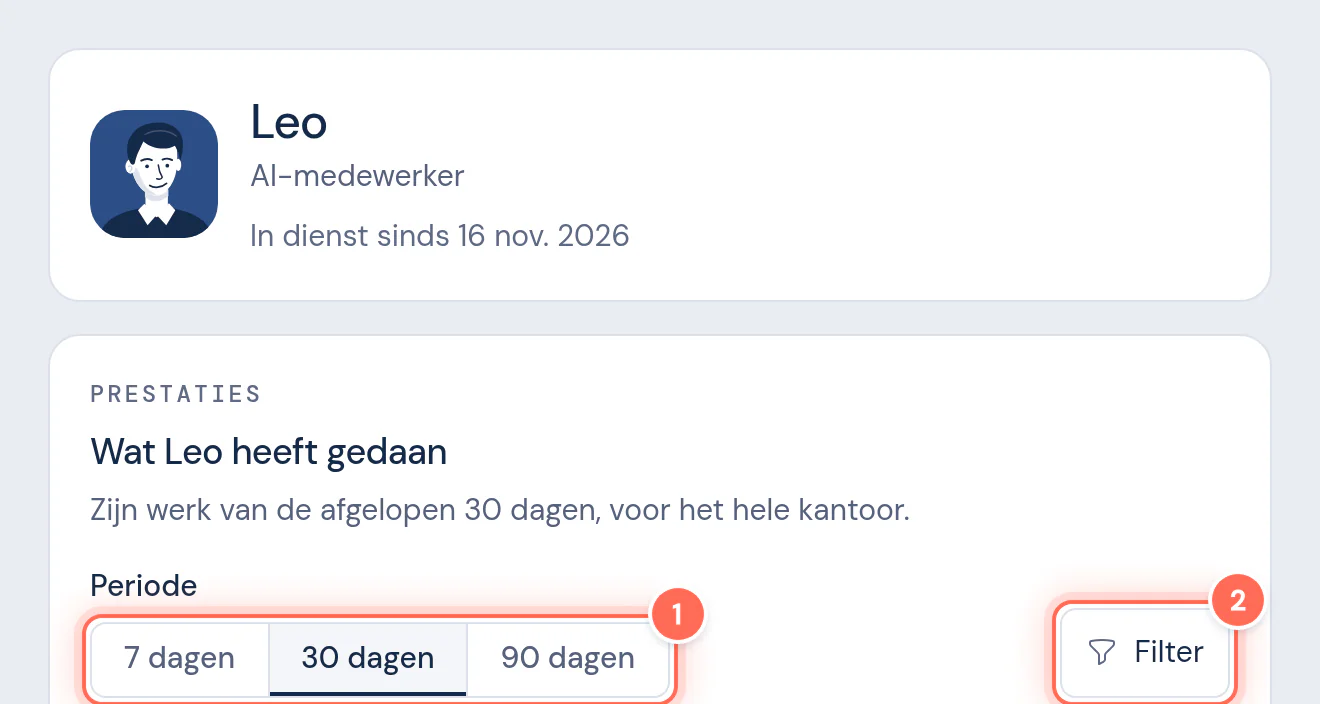
Choose the period (1). Use Filter (2) to look at one administration or one type of work.
The tiles show how many invoices and bank transactions Leo booked, how many questions he asked and how many working agreements he learned. Each tile links to that work. Which tiles you see depends on Leo's authorisations. Is Leo not allowed to book on his own yet? Then you see how many invoices he fully prepared.
Filtering only changes what you see here. It changes nothing about what Leo may do.
Day by day
Here you see how many invoices and bank transactions came in each day. You also see how many Leo finished on his own and how many needed help from a person.
Why work came back to you
This block is about invoices.
- Expand Why work came back to you.
- Read the reasons. The top reason came up most often.
- Read the tip with the reason. A working agreement often helps. In that case, click To working agreements.
For example: does Leo not recognise a counterparty? Add it to your relations, or link it once. After that, Leo recognises it.
More in the record
- Authorisations: what Leo may do on his own. Read Leo's authorisations: booking on his own and thresholds.
- Working method: how carefully Leo works. Read Set up Leo's way of working.
- What Leo remembers from chat: names Leo learned from the chat. Click Forget if something is wrong.
How it works
Everyone at your firm can view the record. Only an Administrator, or someone with the Manage working agreements permission, can change the authorisations and the way of working.
What Leo does
Leo shows how much work he finished on his own and where he got stuck. Each reason comes with what you can do about it.
What you decide
You decide what to do with those figures: add a working agreement, give an authorisation or take one back.
Further reading
Still stuck? Email [email protected] or call +31 6 57867535.