Topics
Switch on Sara: subscription, roles and permissions
Sara is switched on per subscription. This is how you check that she is on, and how you give colleagues the permissions for closings.
-
 Sara
- Updated
- 2 min read
- Role: Administrator
Screenshots show boeq's Dutch interface.
Is Sara switched on?
Sara is coming soon. Once she is available, boeq switches her on for your firm's subscription. You can't do that yourself. If you want to work with Sara, get in touch with boeq.
When Sara is on, you see it in two places:
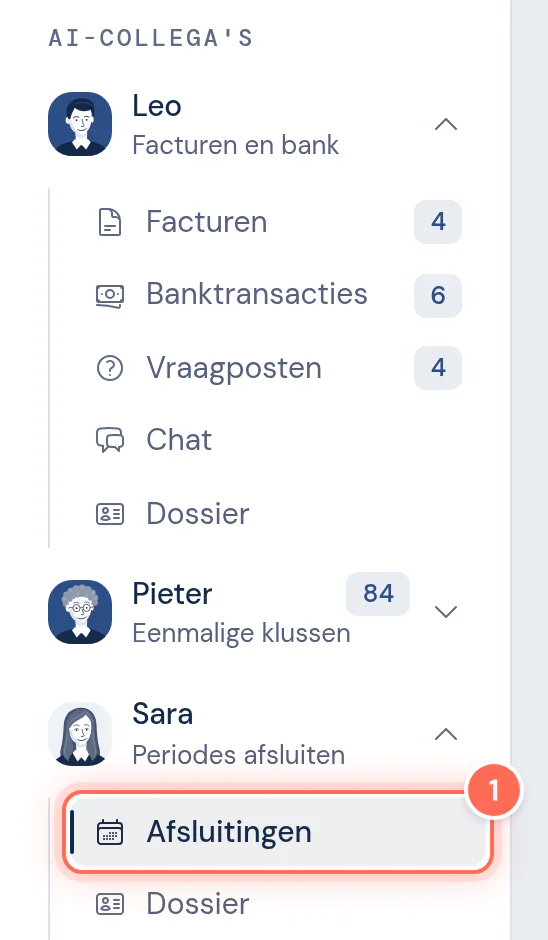
- In the menu, Closings is listed under Sara.
- Under Settings › Plan, the word Closing is listed under Features.
Who can do what
The permissions for Sara are in the Closing group of each role.
| Permission | What it allows |
|---|---|
| View closings | Open closings and their outcomes |
| Prepare closings | Start a closing, refresh the data and confirm the client profile |
| Review closings | Give a verdict on each check and approve a closing |
| Lock closings | Lock an approved closing, so the period is final |
| Reopen closings | Open a closed period again to correct it |
| Manage closings | The checklist, the cadence per client and cancelling closings |
| Post correction entries | Approve and post Sara's correcting entries |
By default every role has View closings. The Member role also has Prepare closings. The Administrator role has all permissions.
So a Member can start a closing, but can't review it.
Let a colleague review
-
Open Settings › Roles.
-
Next to the Member role, click Edit role (the pencil).
-
In the Closing group, tick Review closings.
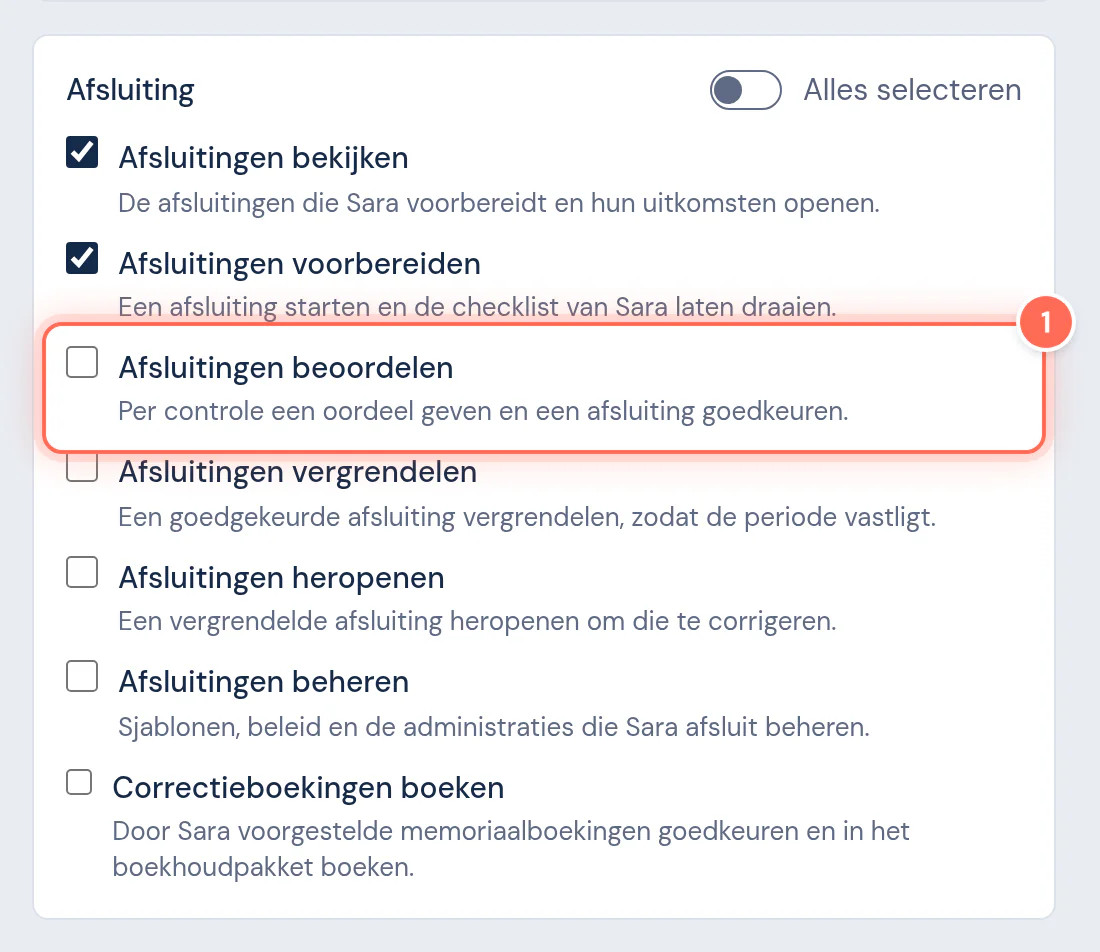
With this permission your colleague gives a verdict on each check and approves a closing. -
Click Save.
The change applies to everyone with that role. If you want to give the permission to one colleague, create a custom role. Read Create a custom role.
How it works
The Administrator role always has all permissions. You can't change that role.
What Sara does
Sara prepares the closings. She never gives a verdict herself.
What you decide
You decide per role who may start, review, approve and lock closings.
Further reading
Still stuck? Email [email protected] or call +31 6 57867535.