Topics
Step 4 of 9
Connect Exact Online
Leo, Pieter and Sara work in your Exact Online. This is how you connect Exact Online to boeq and see which administrations have come in.
On this page
Before you start
- You have an Exact Online account that can see all the administrations you want to use in boeq.
Screenshots show boeq's Dutch interface.
You connect Exact Online once, usually during the onboarding. An Administrator of your firm does this. After that, everyone at your firm works with the same connection.
Connect Exact Online
- In the Connect your accounting package step, click Exact Online. The card now says Chosen.
- Click Connect with Exact Online. You go to the Exact Online website.
- Log in with your own Exact Online account. Your password stays with Exact Online.
- Give permission for your administrations. You come back to boeq and the import starts straight away.
Every administration in Exact Online becomes an administration in boeq. You don't add any yourself. boeq checks every hour whether a new administration has appeared in Exact Online.
Skipped the onboarding?
- Go to Settings › Integrations.
- Click Connect integration.
- Then follow steps 1 to 4 above.
What boeq reads and writes
boeq reads your administrations, relations, general ledger accounts, VAT codes, payment terms and historical bookings.
In Exact Online, boeq only writes what your firm approves, or what a colleague is allowed to do on their own. Read What boeq writes to Exact Online, and when.
Check the connection
-
Go to Settings › Integrations.
-
See how many administrations are connected.
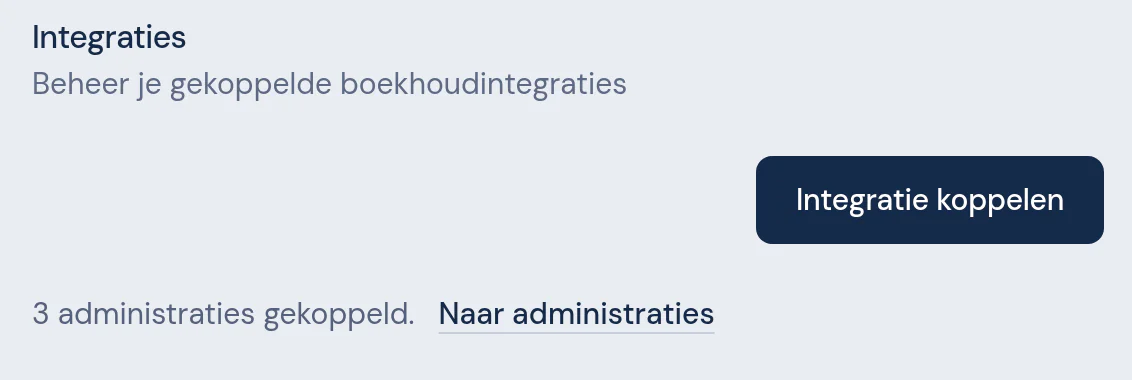
This shows how many administrations from Exact Online are in boeq. -
Click Go to administrations for the list.
Connecting doesn't work?
Do you see The connection with Exact Online is not in place yet or Connecting to Exact Online went wrong? Then click Reconnect to Exact Online and log in to Exact Online again. Do you see Reading in your data stopped halfway? Then click Try again. Anything that's already in stays where it is.
Watch out
Do you see These administrations are already connected? Then they already belong to another firm in boeq. Do you work at that firm? Then ask someone there for an invitation.
Not working?
Further reading
Still stuck? Email [email protected] or call +31 6 57867535.