Topics
How administrations get into boeq
Every administration in Exact Online automatically becomes an administration in boeq. See which ones you have and what their status means.
Before you start
- Exact Online is connected to boeq.
Screenshots show boeq's Dutch interface.
You don't add administrations to boeq yourself. boeq fetches them from Exact Online. Every administration that the connected Exact account can see comes into boeq. That is the account your firm used to connect Exact Online to boeq.
How an administration comes in
- When you connect Exact Online, boeq reads in all your administrations.
- After that, boeq checks every hour whether a new administration has appeared in Exact Online.
- A new administration gets the status Active straight away. Leo can then work in it.
If you create a new administration in Exact Online, it is in boeq within an hour.
View your administrations
-
Go to Settings › Administrations.
-
Looking for one administration? Type its name, CoC number or VAT number in the search box.
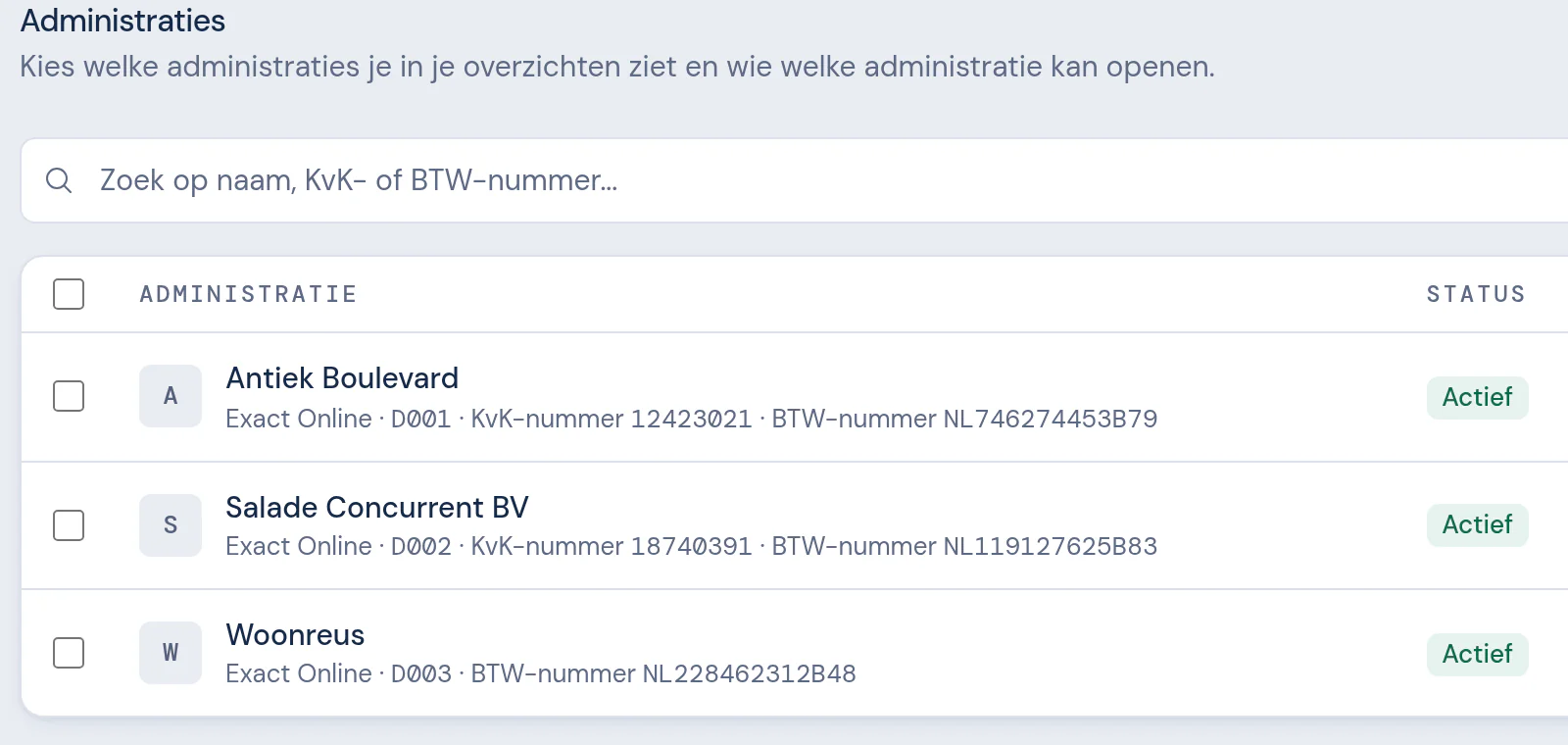
Below the name is the administration's code in Exact Online. -
Only want to see one status? Click Filter and choose a Status.
What the status means
| Status | What it means |
|---|---|
| Active | boeq fetches data from Exact Online. Leo and your other colleagues work in it. |
| Pending | boeq is still reading in the administration. Still seeing this status after an hour? Contact boeq. |
| Inactive | Exact Online no longer passes the administration on, or the connected Exact account no longer has rights to it. Another firm may also already have it in boeq. If it comes back in Exact Online, it becomes Active again within an hour. |
| Disabled | Someone at your firm switched the administration off. boeq never switches it back on by itself. |
Is an administration missing? Give the connected Exact account rights to it in Exact Online. It will be in boeq within an hour.
To manage this yourself, read Hide, deactivate or reactivate an administration.
How it works
Seeing These administrations are already connected? Then they already belong to another firm in boeq, so boeq doesn't read them in. Do you work at that firm? Then ask someone there for an invitation.
Not working?
Further reading
Still stuck? Email [email protected] or call +31 6 57867535.