Topics
Step 1 of 9
Welcome to boeq: how Leo, Pieter and Sara work
Three colleagues work alongside you at your firm, each with their own job. Read who does what, what you decide and what they never do.
On this page
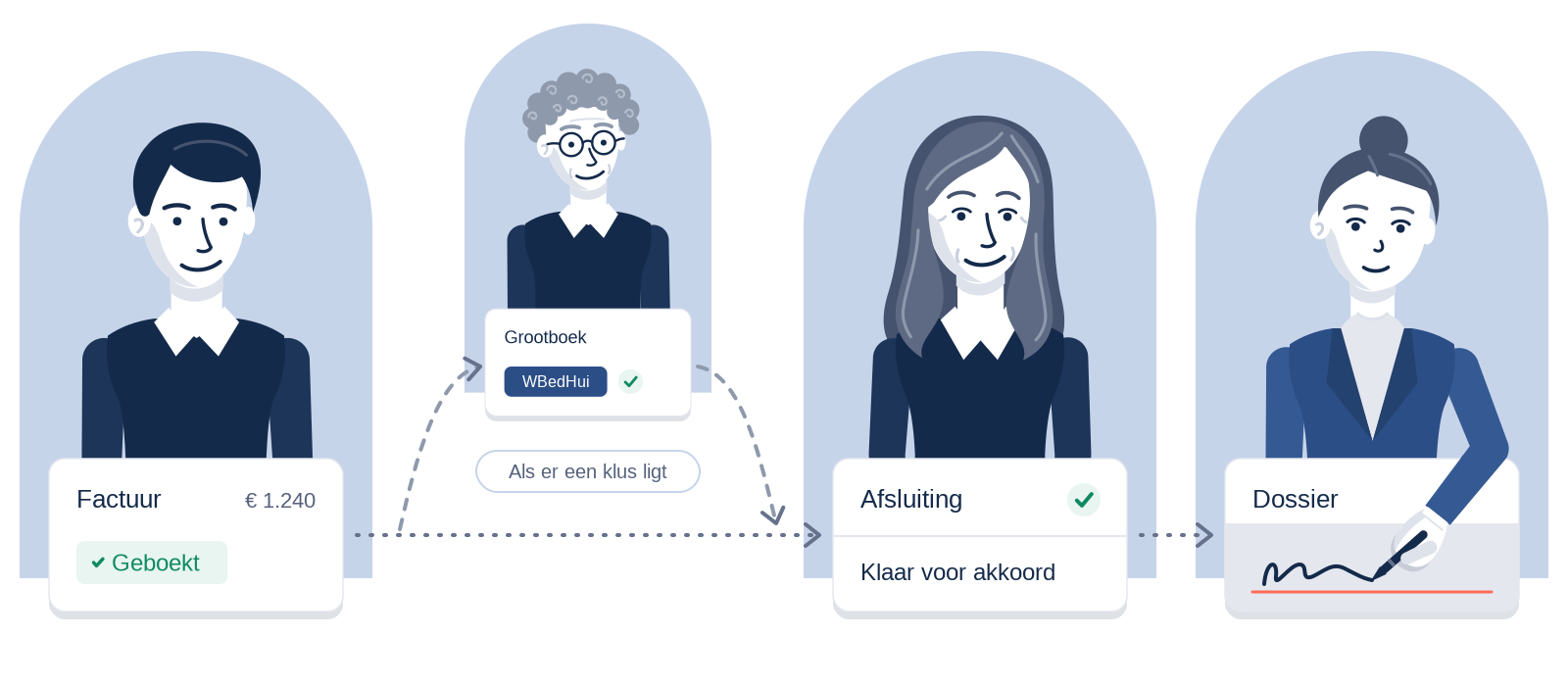
boeq gives your firm three colleagues. They work in your Exact Online, in your clients' administrations. Each colleague has their own job. You have the final say.
Who does what
| Colleague | What he or she does |
|---|---|
| Leo, junior bookkeeper | Processes purchase invoices and bank transactions every day. In the menu: Invoices, Bank transactions, Questions and Chat. |
| Pieter, specialist | Does one-off jobs. For now these are the RGS check, the ICP check, the Outstanding items check and the WKR check. |
| Sara, senior bookkeeper (coming soon) | Prepares the closing of a month, quarter or year. In the menu: Closings. |
You'll find all three in the menu under AI colleagues. On some screens a colleague is called 'AI employee'. You only see Sara if she is switched on for your firm.
What you decide
Your colleagues do the groundwork. You decide what goes into the administration.
- Leo prepares every booking as a proposal. You book the proposal, until you give Leo the authorisation to book on his own.
- Pieter proposes RGS codes (RGS is the Dutch reference chart of accounts), memorial entries and the booking of the final levy. Nothing goes into Exact Online until you approve it. The ICP check changes nothing in your administration.
- Sara prepares the closing, you approve it. Then you lock the period in boeq and close it in Exact Online.
An authorisation is something a colleague may do without you approving it first. You decide which authorisations a colleague gets, and you can always take them back.
What they never do
These limits apply to all three. You can't switch them off.
- They never file a tax return.
- They never close a period for good.
- They never give your client advice.
What your client sees of them
Leo and Sara never email your client. Does your client have a client portal? Then Leo posts questions there himself, such as a request for a receipt. Sara's questions are sent by someone at your firm. An Administrator can allow Sara to send requests for missing documents herself.
How it works
You can always look back at what a colleague did. Each colleague has their own Dossier in the menu.
Where to go next
Work through the steps of Getting started in order. The next step is Your first login. Come across a word you don't know? Look it up in the Glossary.
What Leo does without you is explained in What Leo does automatically.
Further reading
Still stuck? Email [email protected] or call +31 6 57867535.